40
/ WIFI SETTINGS
©2023 Verizon. All Rights Reserved
./ IOT NETWORK
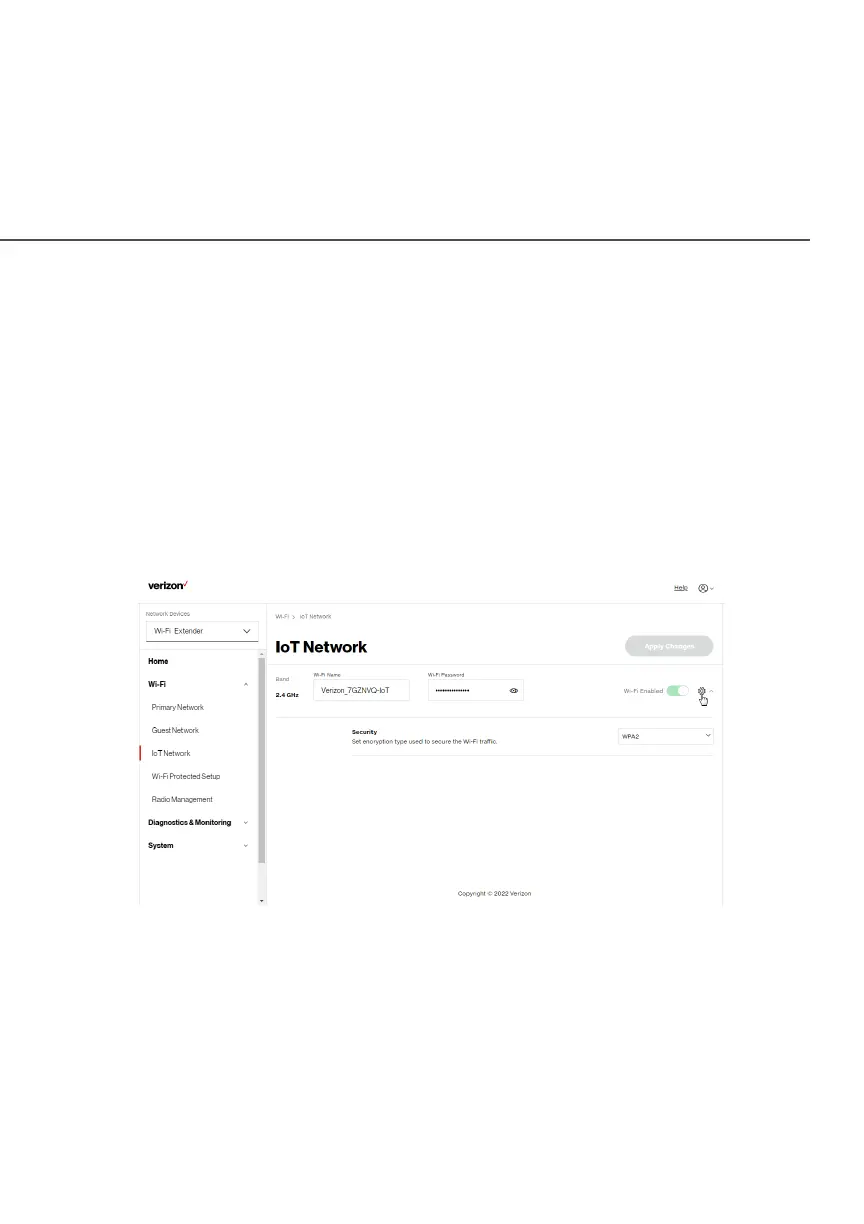
The IoT NetworkIoT Network is designed to provide an easier setup experience
for your Internet of Things (IoT) devices which benefit from
connecting to the 2.4 Ghz band while keeping your Primary
Network settings unchanged. IoT devices and Primary devices can
communicate unrestricted. IoT Wi-Fi can be managed using the
Verizon Router’s web interface. If you want to enable/disable your
IoT Wi-FiIoT Wi-Fi or to change the IoT Wi-Fi SSIDIoT Wi-Fi SSID (Name) or PasswordPassword,
please log into the Verizon Router’s web interface for management.
To view IoT Network Settings:
Select Wi-FiWi-Fi from the left pane and then click IoT NetworkIoT Network.



 To Next Page