SYSTEM SETTINGS
To view:
1. Select SystemSystem from the left pane.
2. Click System Status System Status to view the device information and
network settings of your Verizon Wi-Fi Extender.
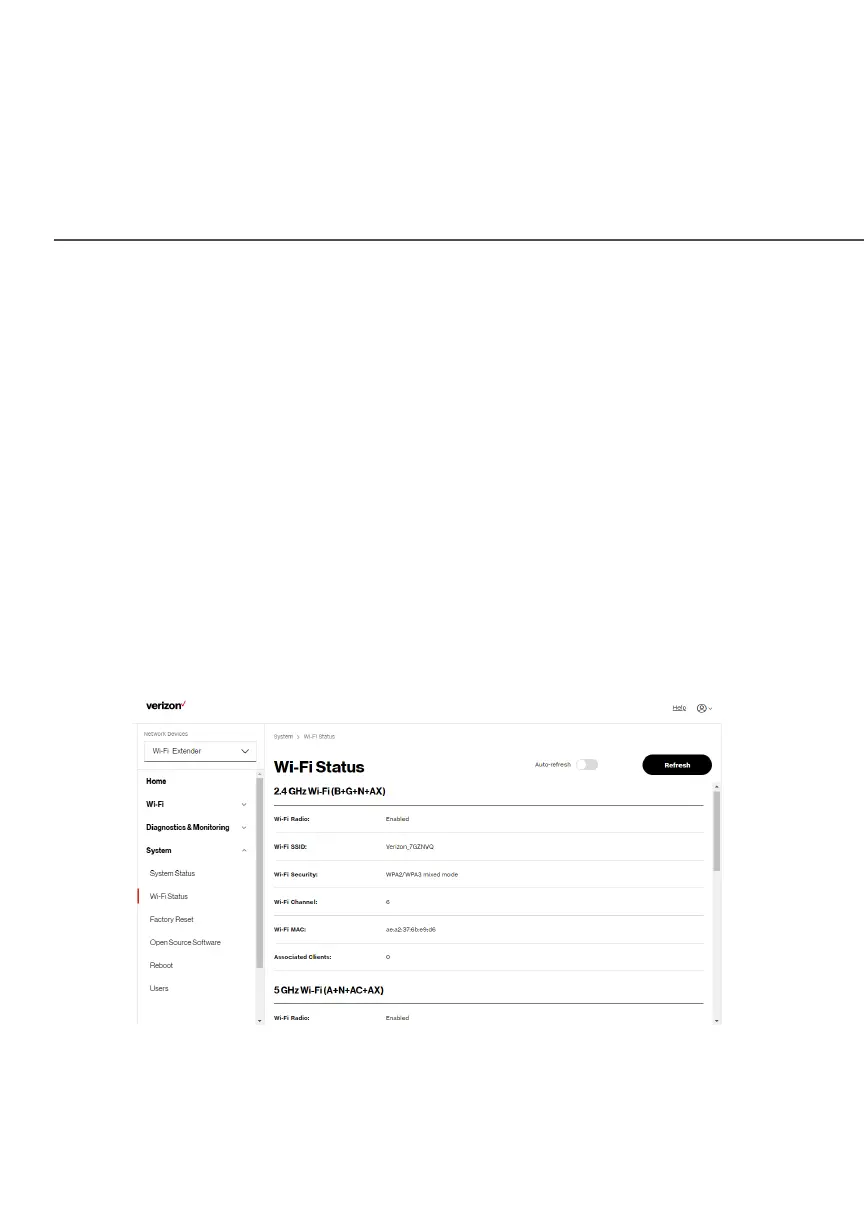
2.2b/ WIFI STATUS
Use the Wi-Fi status feature to view the status for either 2.4 GHz,
5GHz or 6 GHz of your Extender’s Wi-Fi network.
You can view the security settings, such as SSID, WPA security
key, Wi-Fi MAC address, and the number of associated clients
connected to your Wi-Fi network.



 To Next Page