SYSTEM SETTINGS
2.2c/ FACTORY RESET
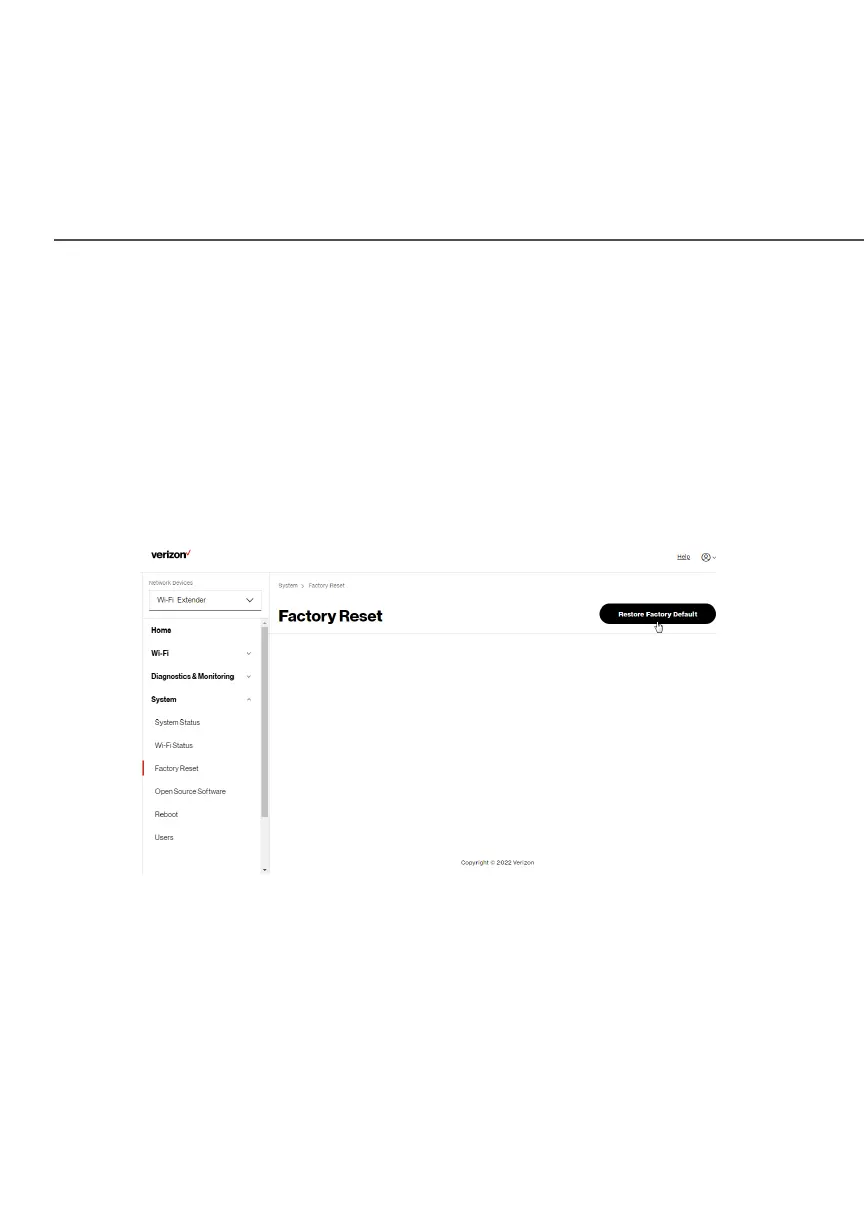
You can restore the configuration settings to the factory default
settings for your Verizon Wi-Fi Extender. Restoring the default
settings erases the current configuration, including user defined
settings and network connections.
To restore your Verizon Wi-Fi Extender’s factory default settings:
1. Select Factory ResetFactory Reset in the SystemSystem section.
2. Click the Restore Factory DefaultRestore Factory Default button. The factory
default settings are applied and your Verizon Wi-Fi Extender
restarts. Once complete, the Login page for the First Time
Easy Setup Wizard displays.



 To Next Page