32
/ CONNECTING YOUR
VERIZON WIFI EXTENDER
©2023 Verizon. All Rights Reserved
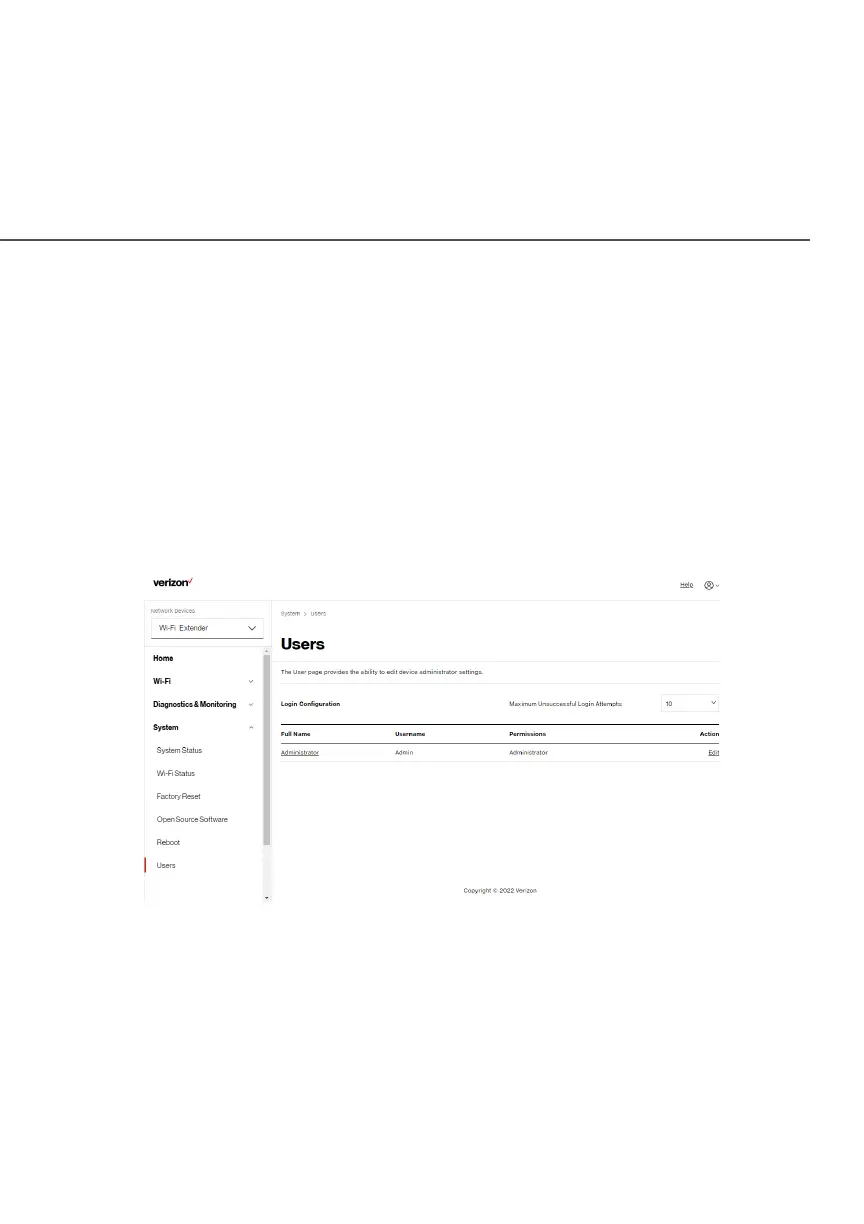
2.2f/ USERS
The Verizon Wi-Fi Extender clones the Users Users password of the
Verizon Router. Use the login password of the Verizon Router
for managing your Extender settings. If you want to change your
password, please log into the Verizon Router’s web interface and go
to System/System Settings/System/System Settings/User SettingsUser Settings section to make changes.
To view the Users Users password:
Select UsersUsers in the SystemSystem section.



 To Next Page