7
/ INTRODUCTION
©2023 Verizon. All Rights Reserved
• Self-organizing Network (SON) oers seamless roaming, band
steering, and AP steering to improve the performance of your
Wi-Fi network
• Integrated Wi-Fi networking with 802.11a/b/g/n/ac/ax access
point featuring:
– Backward compatible to 802.11a/b/g/n/ac
– 2.4 GHz 11ax 4x4
– 5 GHz 11ax 4x4
– 6 GHz 11ax 4x4
• Enterprise-level security, including:
– Advanced Wi-Fi protection featuring WPA2 & WPA3 Modes
and MAC address filtering
– Wi-Fi Multimedia (WMM) for Wi-Fi QoS (quality-of-service)
• Secure remote management using HTTPS
./ GETTING TO KNOW YOUR VERIZON WIFI EXTENDER
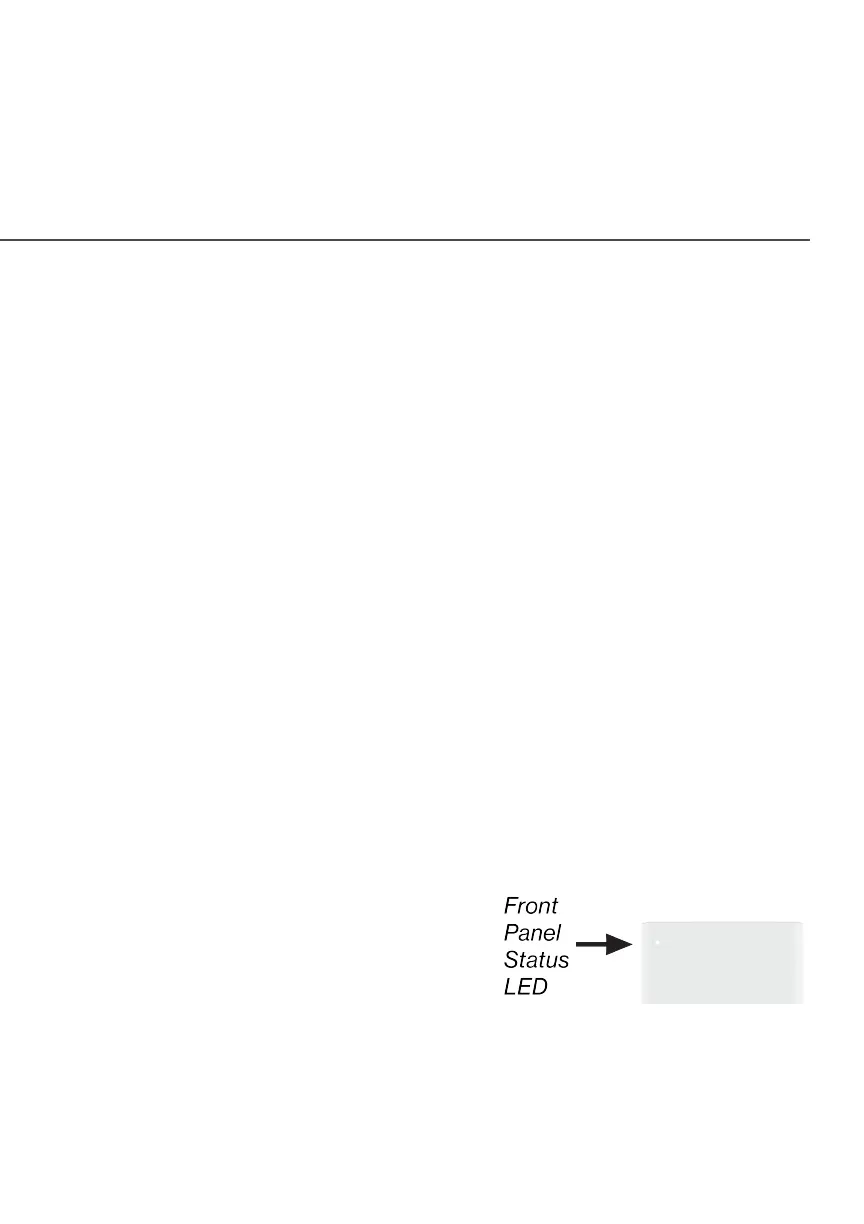
1.3a/ FRONT PANEL
The Status LED will be solid white
when your Verizon Wi-Fi Extender is
turned on, connected to the internet,
and functioning normally.



 To Next Page