MAIN SCREEN
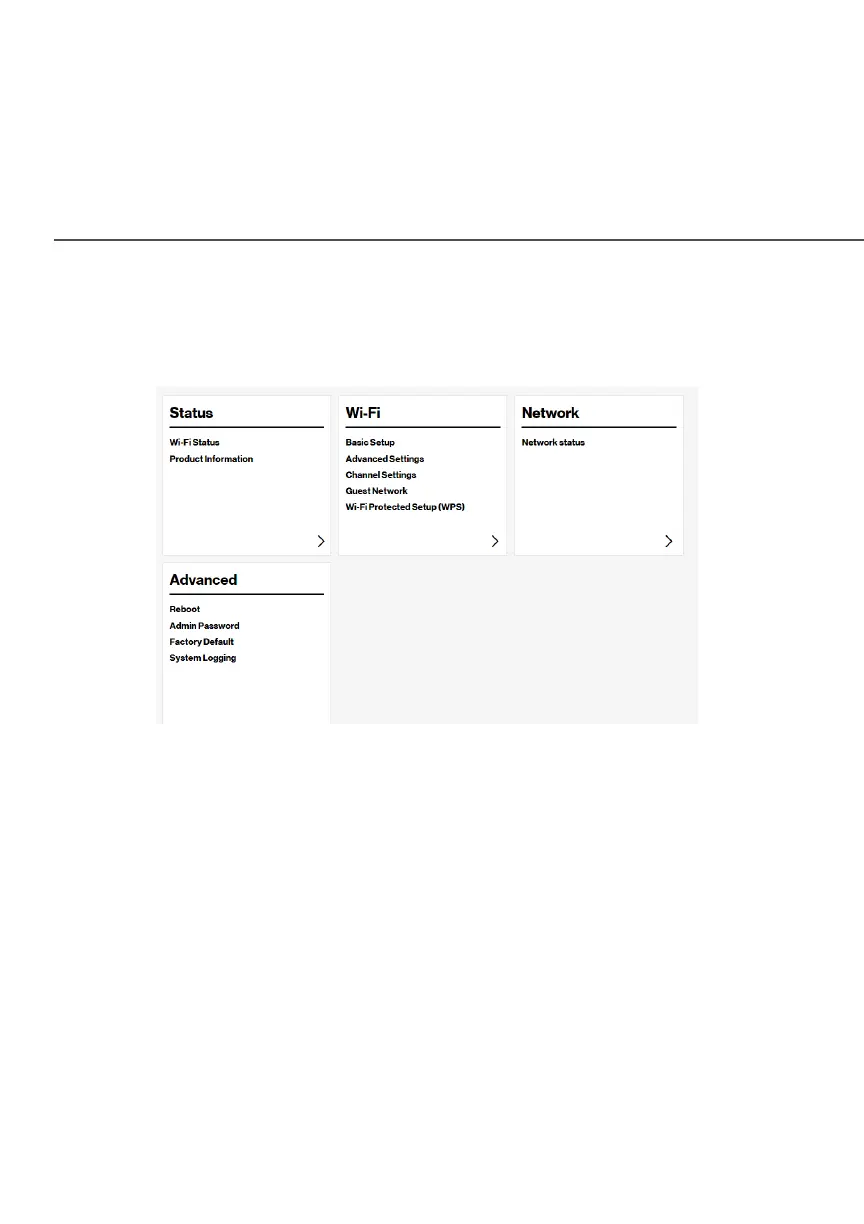
When you log into your Fios Extender, the dashboard main page
displays the main navigation menu of connection status, Wi-Fi
settings, network settings and advanced quick links.
2.1b/ MENU
The main menu contains the following configuration options and
chapters:
• Status - this chapter
• Wi-Fi - Chapter 3
• Network status - displayed on the graphical user interface (GUI)
of the Fios Router
• Advanced - Chapter 4



 To Next Page