55
/ TROUBLESHOOTING
verizon.com/fios | ©2020 Verizon. All Rights Reserved
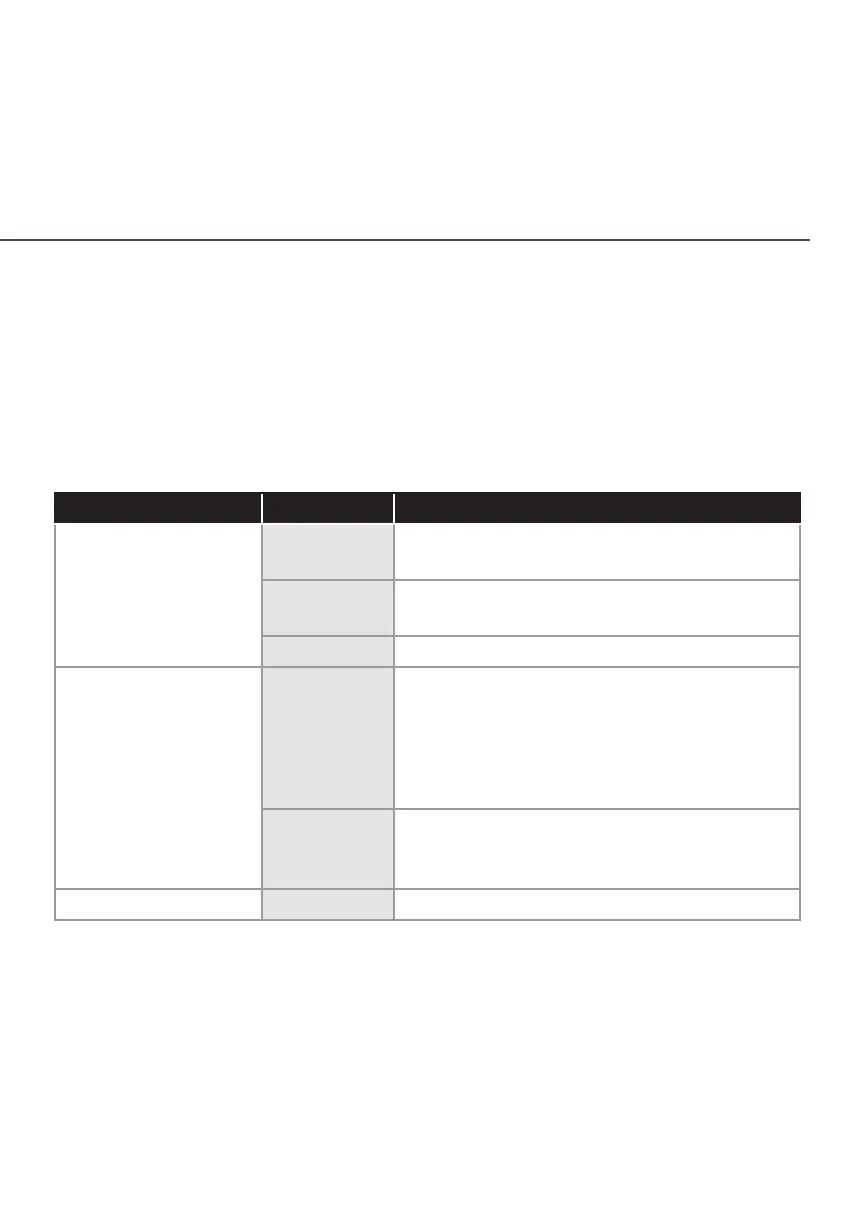
5.0g/ FRONT UNIFIED BUTTON
The front panel’s Unified Button allows quick access to the
Wi-Fi Protected Setup (WPS) feature and handset paging/pairing
mode. In addition, the Unified Button provides a visual display of
the Fios Extender’s current condition. Refer to the chart below for
details.
Condition Status LED Color Fios Extender
Normal WHITE Normal operation (solid)
Router is booting. (fast blink)
BLUE Pairing mode (slow blink)
Pairing successful (solid)
GREEN Wi-Fi has been turned o. (solid)
Issue(s) YELLOW No internet connection (solid)
Extender is too far from the Router. Poor
backhaul signal (slow blink)
Extender is too close to the Router. Poor
Wi-Fi coverage (fast blink)
RED Hardware/System failure detected (solid)
Overheating (fast blink)
Pairing Failure (slow blink)
Power OFF Power o



 To Next Page