www.versitron.com -15- SG71090
2.3 Installing Modules
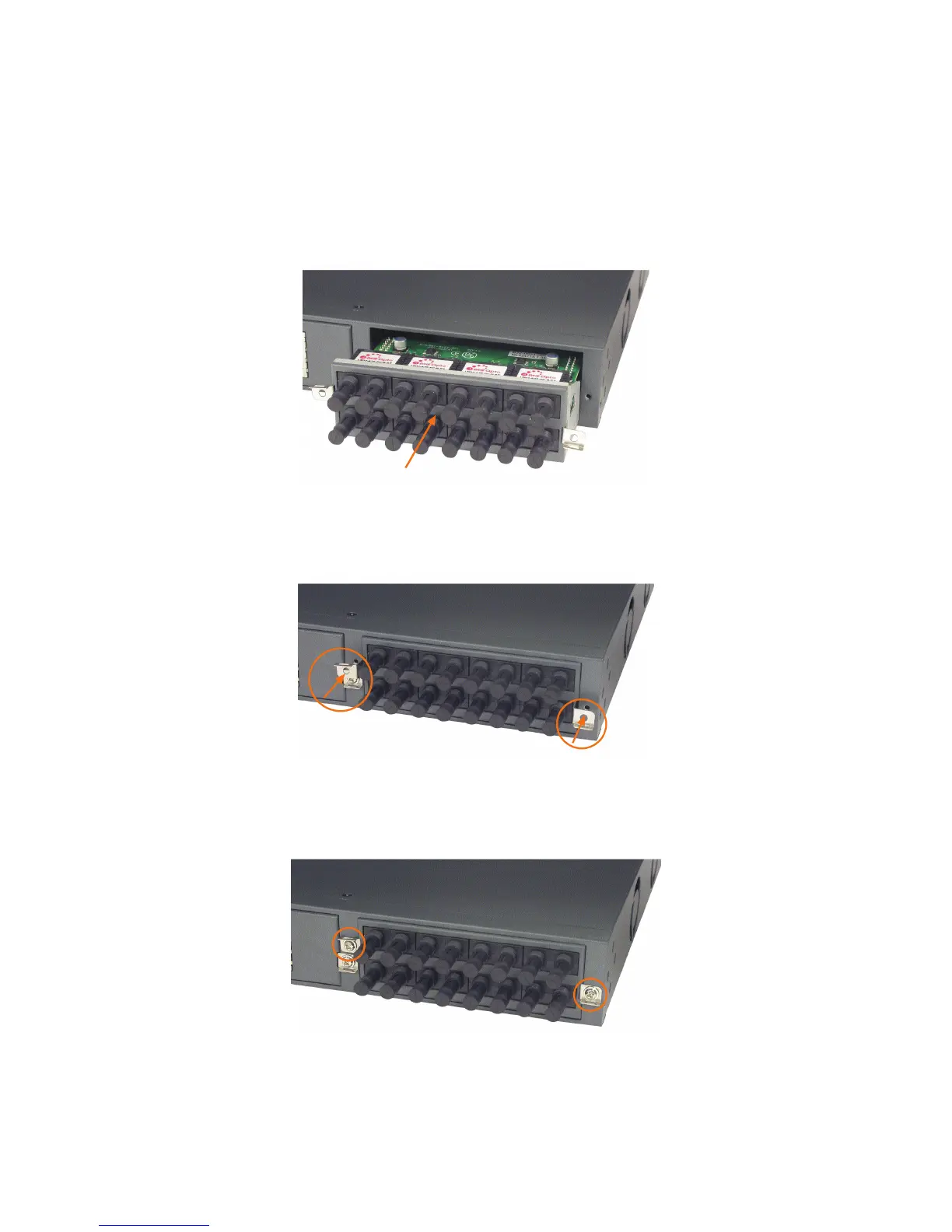
The steps to install a module are as follows:
1. Unscrew the screws and remove the cover of the module slot. (Do not discard the screws.)
2. Insert the module into the slot until it is seated into the internal slot connector properly.
3. Push in the screw tabs and install the screws
4. Tighten the screws to secure the module to the switch chassis.


 To Next Page