www.versitron.com -18- SG71090
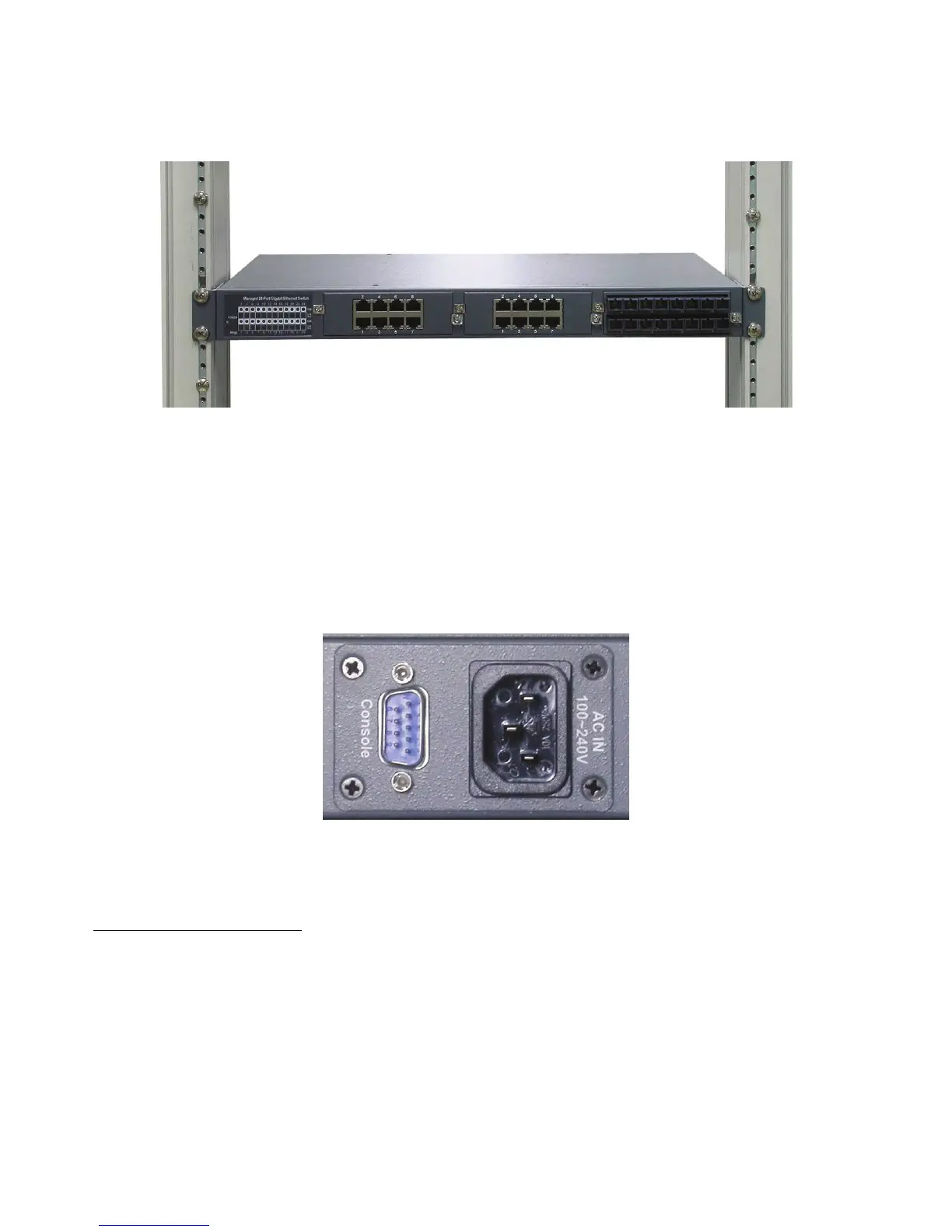
2. Mount the SG71090 securely onto 19-inch rack with rack screws (not provided):
3. Apply power to the switch.
2.6 Applying AC Power – SG71090
1. Connect the AC power cord to the SG71090 before plugging it into the AC power outlet.
2. Connect the SC power cord to the AC power outlet.
AC power input specifications
Connector: IEC320 type
Power Rating: 100 ~ 240VAC, 50/60Hz
Voltage Range: 90 ~ 264VAC
Frequency: 47 ~ 63 Hz
Power Consumption: 40W max.
SG71090 AC Power Connector


 To Next Page