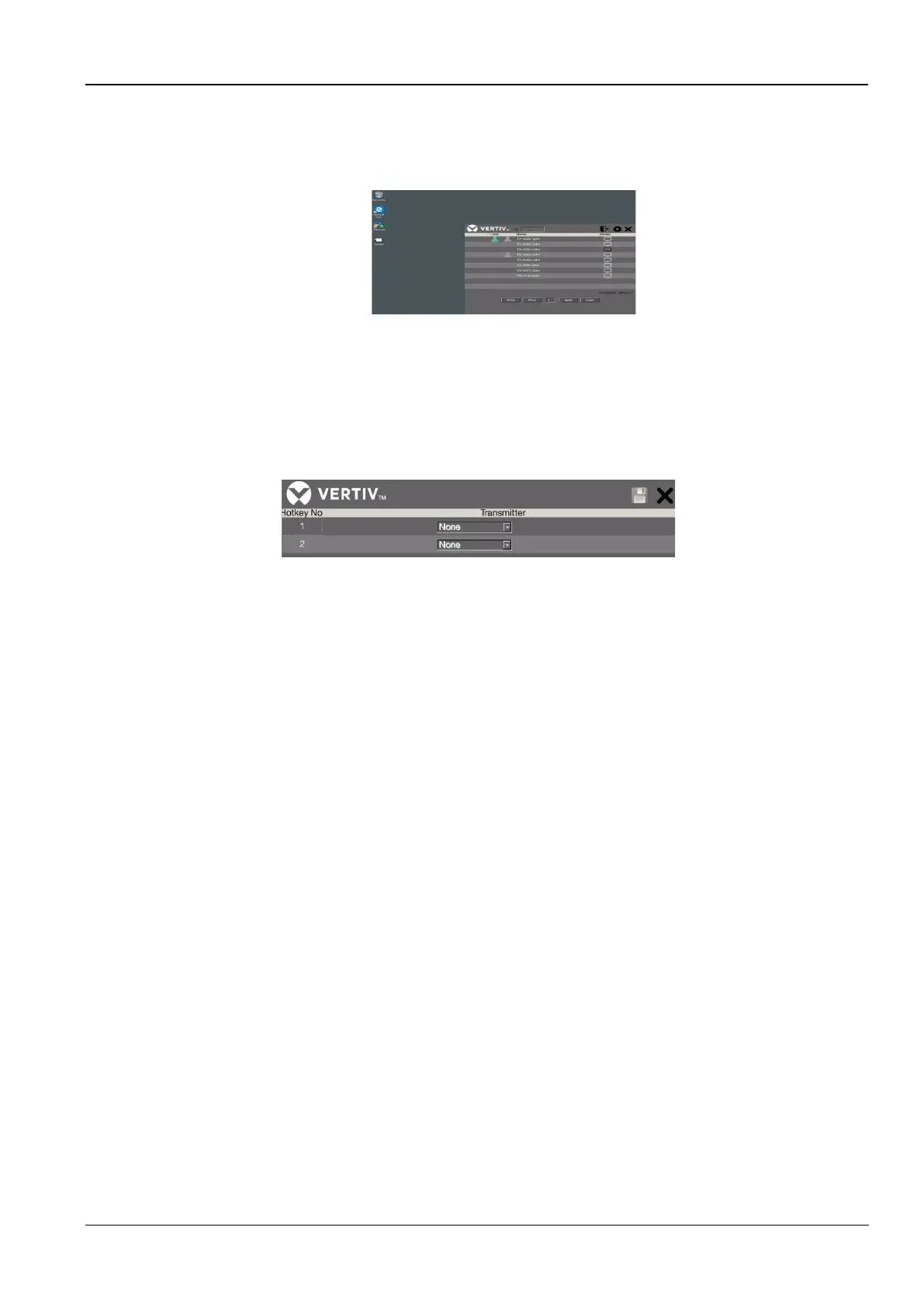
The annotations in the figure are as follows:
1. The icon of admin mode and device name are displayed here
2. Click any name of the transmitter monitor you wish to access.
Figure 7-9 TX device screen
3. Show the status of all users
a.) The green user icon shows which transmitter is connected
b.) The gray user icon shows other users connecting to the group of transmitters.
4. Log out
5. Click the setting icon to configure hotkey no device. The concept of keyboard hotkey is Scroll Lock + Scroll
Lock + Command key(s). Except the default setting, you also can define a desired command key.
Figure 7-10 Hotkey Settings
6. Click to exit the control page.
7. Find the all devices listed searching page by page



 To Next Page