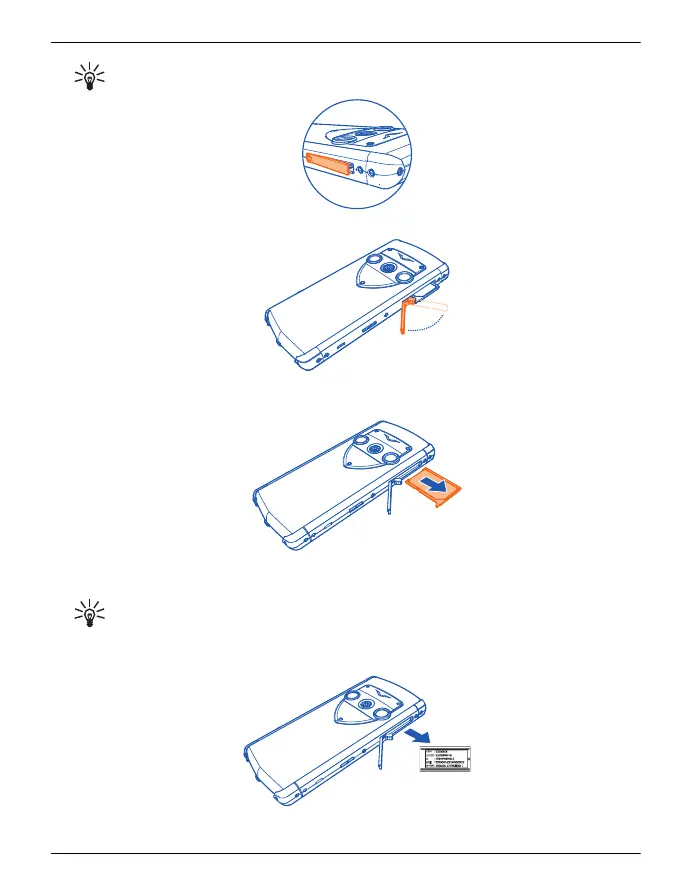
Tip: You might want to use your fingernail to do this.
3 Fully extend the door.
4 The SIM drawer automatically slides part way out of the phone. Remove the SIM
drawer.
5 Pull out the compliance label from the SIM drawer recess. Write down any required
information and keep it in a safe place.
Tip: You might want to pull the label out after first inserting a pin in the hole at
the front of the label.
Unlike the SIM drawer, the label is not meant to be completely removed.
Troubleshooting 133
© 2012 Vertu. All rights reserved.















 To Next Page