4If a Exchange ActiveSync mailbox is installed, select Personal information mgr
to edit your mail, calendar, contacts, and tasks synchronisation settings.
Read mail
You can use your phone to read and reply to mail.
Select
> Mail.
Read a mail
Select the mail.
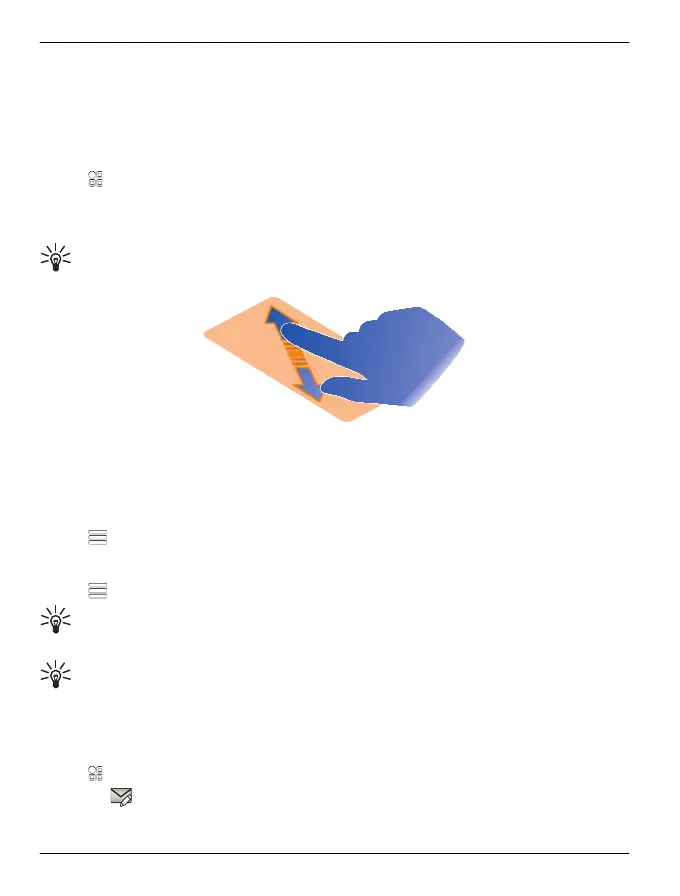
Tip: To zoom in or out, place two fingers on the screen, and slide them together
or apart.
Open or save an attachment
Select the attachment and the appropriate option. If there is more than one attachment,
you can save them all at once.
Reply to a mail
Select
> Reply.
Forward a mail
Select
> Forward.
Tip: If there is a web address in a mail and you would like to open the address in
the phone browser, select the address.
Tip: To open the next or previous mail, use the arrow icons.
Send a mail
You can write and send mail, and attach files to your mail.
Select
> Mail and a mailbox.
1
Select
.
66 Mail
© 2012 Vertu. All rights reserved.















 To Next Page