Your pictures and videos
About Gallery
Select > Media > Gallery.
Watch the videos you have recorded, or browse and view the pictures you have taken.
You can also view the pictures and videos on a compatible TV.
To manage your media files more effectively, organise them into albums.
View pictures and videos
Select > Media > Gallery.
Browse pictures
Swipe up or down.
View a picture
Select the picture.
To view the following picture, swipe from right to left. To view the previous picture,
swipe from left to right.
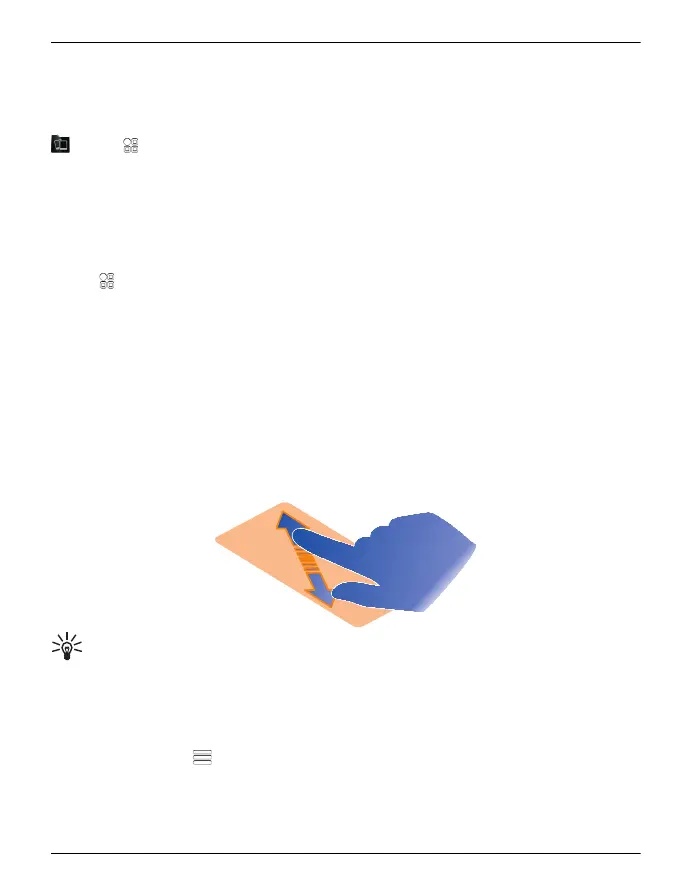
Zoom in
Place two fingers on the screen, and slide your fingers apart. To zoom out, slide your
fingers together.
Tip: To quickly zoom in or zoom back out, tap the screen twice.
View the toolbar
Tap the screen.
View pictures as a slide show
Select a picture and
> Slide show > Play. The slide show starts from the selected
picture.
Your pictures and videos 89
© 2012 Vertu. All rights reserved.















 To Next Page