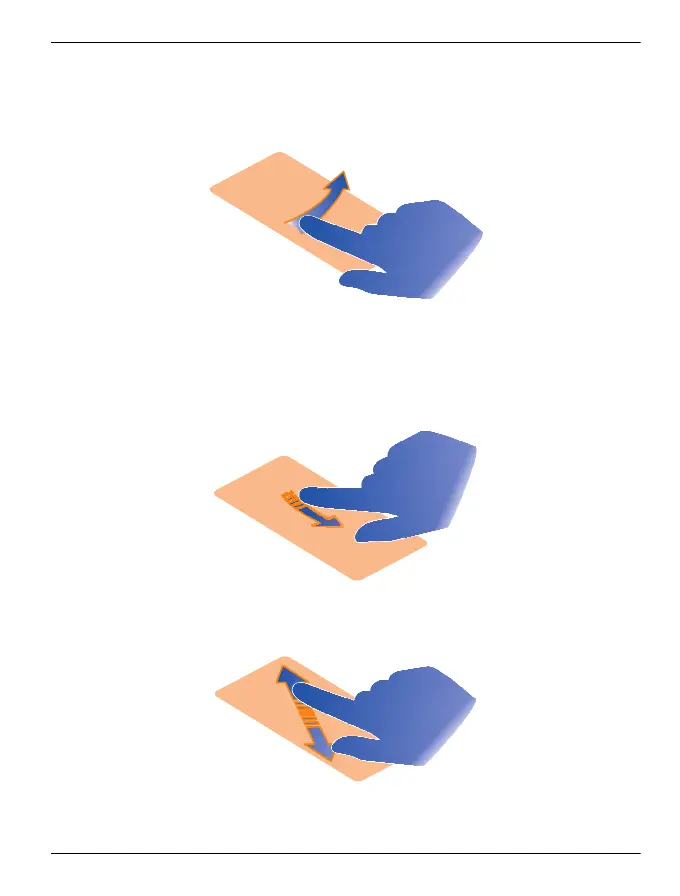
You can drag items on the home screen or in the main menu, when you have activated
editing mode.
Swipe
Place a finger on the screen, and steadily slide your finger in the desired direction.
For example, when you are viewing a picture, to view the next picture, swipe left.
Scroll in a list or menu
Place your finger on the screen, slide it quickly up or down the screen, and then lift
your finger. The content of the screen scrolls with the speed and direction it had at the
moment of release. To select an item from a scrolling list and to stop the movement,
tap the item.
Zoom in
Place two fingers on an item, such as a picture or web page, and slide your fingers
apart.
Get started 19
© 2012 Vertu. All rights reserved.















 To Next Page