Last update: 2022/04/01 18:06 slice:qt https://www.vescent.com/manuals/doku.php?id=slice:qt
https://www.vescent.com/manuals/ Printed on 2022/04/05 13:27
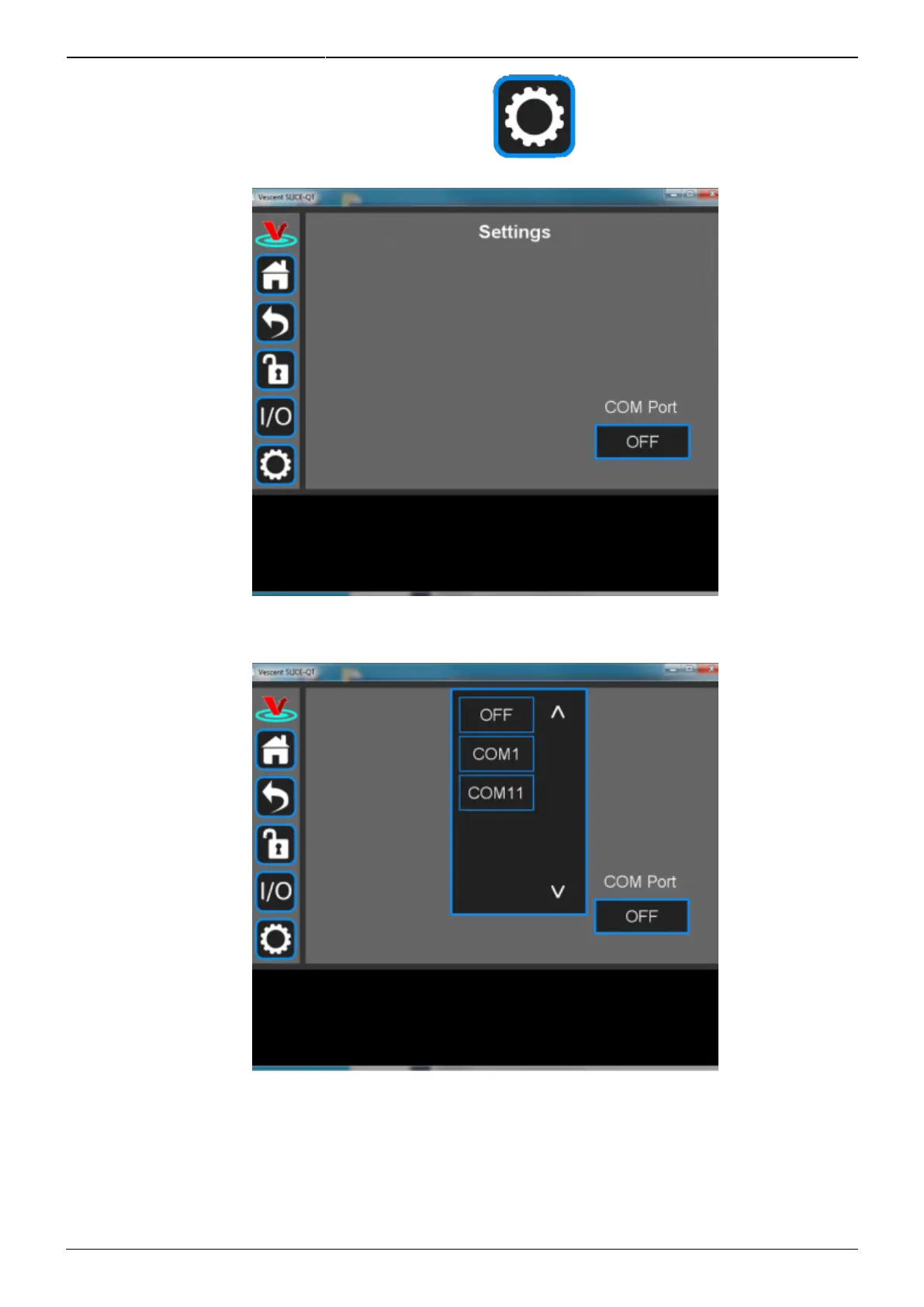
On the SLICE-QTC GUI, click on the Settings icon to get to the window shown in6.
figure 35.
Fig. 35: Settings screen when viewed by GUI
Click on the OFF button below COM Port. You should see a menu similar to the one shown7.
figure 36. NOTE: The COM port numbers may differ from those shown below.
Fig. 36: COM port selection
Select the COM port identified in the step above (usually the last COM port in the list; COM11 in8.
this example). The window in figure 37 should appear if the connection is successful.



 To Next Page