DGT / DGT60 / DGTQ / DGTP
61
dirECn: SETTING THE PRINT DIRECTION
dirECt: direct printing
rEvErSE: upside down printing
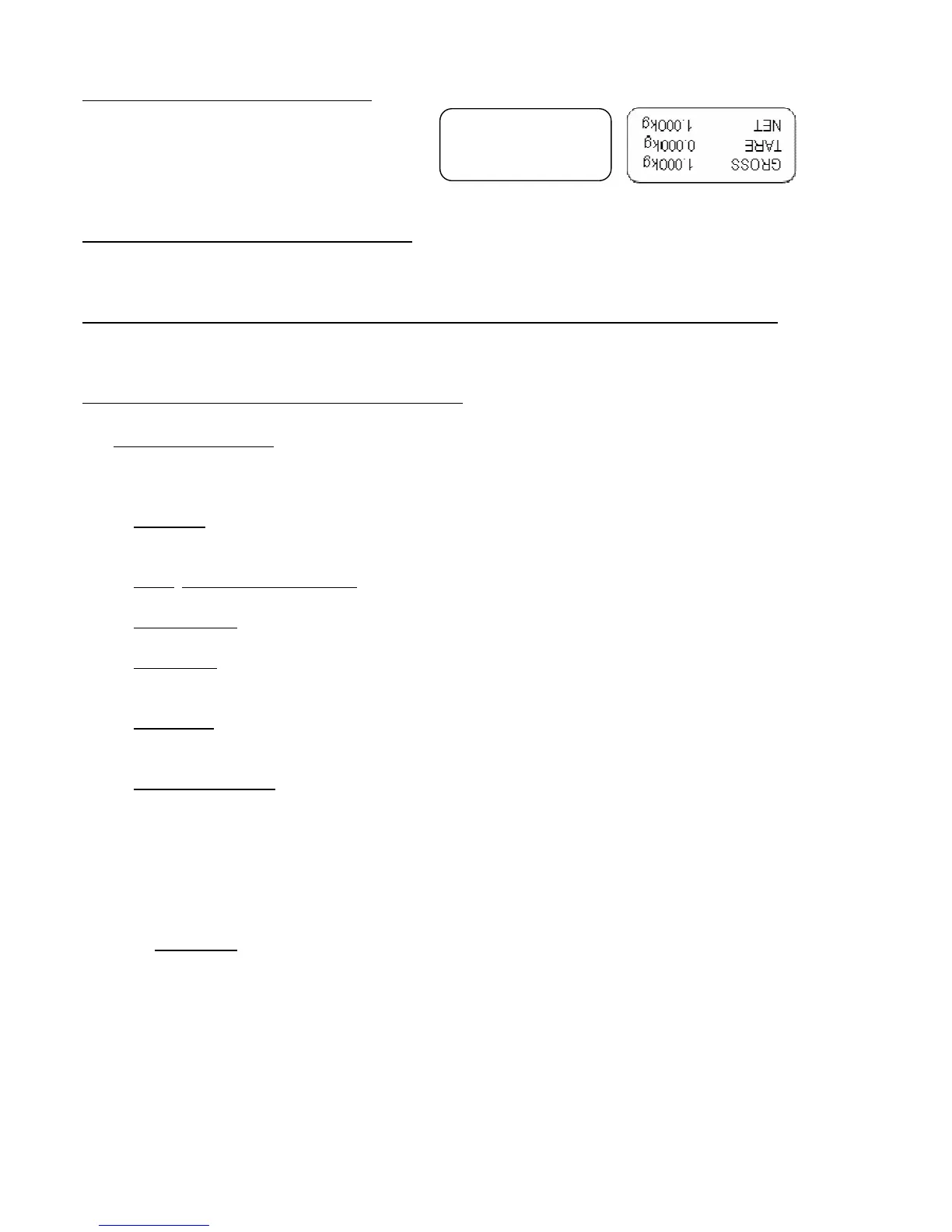
(!) direct
Direct Upside down
dWn.EHT: SETTING OF THE TYPE OF FORMAT
FdFW: format created through the indicator
FEHtn: format created with the programme or tool on PC
doWnLd: TRANSMISSION & TEMPORARY SAVING OF THE LABEL PROGRAMMED IN THE LABELLER
This step temporarily saves the label in the labeller memory; by turning it off it causes the loss of the saved data.
Carefully read section 8.1.
L.ALinG: ALIGNMENT OF THE LABEL IN THE PRINTER
PtESt PRINTING TEST
By pressing PRINT, a test label is printed of previously selected fields, but with fixed weight values.
The print test depends on the selected functioning mode:
STD mode: the first time the fields with the kg unit of measure are printed, the second time the fields with the
lb unit of measure are printed, and so on.
NTGS, VISS, Alibi, INOUT modes: simple printing.
MASTER mode: not settable.
HOLD mode: the first time the fields without the "HOLD" message are printed, the second time the ones with
the "HOLD" message are printed, and so on.
PEAk mode: the first time the fields without the "PEAK" message are printed, the second time the ones with
the "PEAK" message are printed, and so on.
Tot o and tot s mode: when the PRINT is pressed a selection menu appears with the following items:
" TOT.1.0": simulates the printing of the first totalisation relative to the zero registry.
" TOT.2.0": simulates the printing of a further totalisation relative to the zero registry.
" SUM 0": simulates the printing of the partial total relative to the zero registry.
" TOT.1.1": simulates the printing of the first totalisation relative to the one registry.
" TOT.2.1": simulates the printing of a further totalisation relative to the one registry.
" SUM 1": simulates the printing of the partial total relative to the one registry.
" GtotAL": simulates the printing of the general total.
COUN mode: the first time the fields with the pieces number and apw are printed, the second time the
ones without the pieces number and apw are printed.



 To Next Page