Note: Select [Heating Mode] in the main menu and
choose the appropriate heating program according to
the diameter and length of the heat shrink tube, using
the preset heating parameters as far as possible. The
heating temperature and time are adjustable due to
environmental differences.
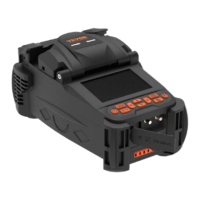
(1) Open the cover of the heater.
(2) Open the fusion splicer wind cover, remove the
spliced fiber and move the heat shrink tubing to the
center of the fusion splice point.
(3) Place the heat shrink protection sleeve into the
heater, gently straighten the optical fiber and place the
heat shrink protection sleeve into the center of the
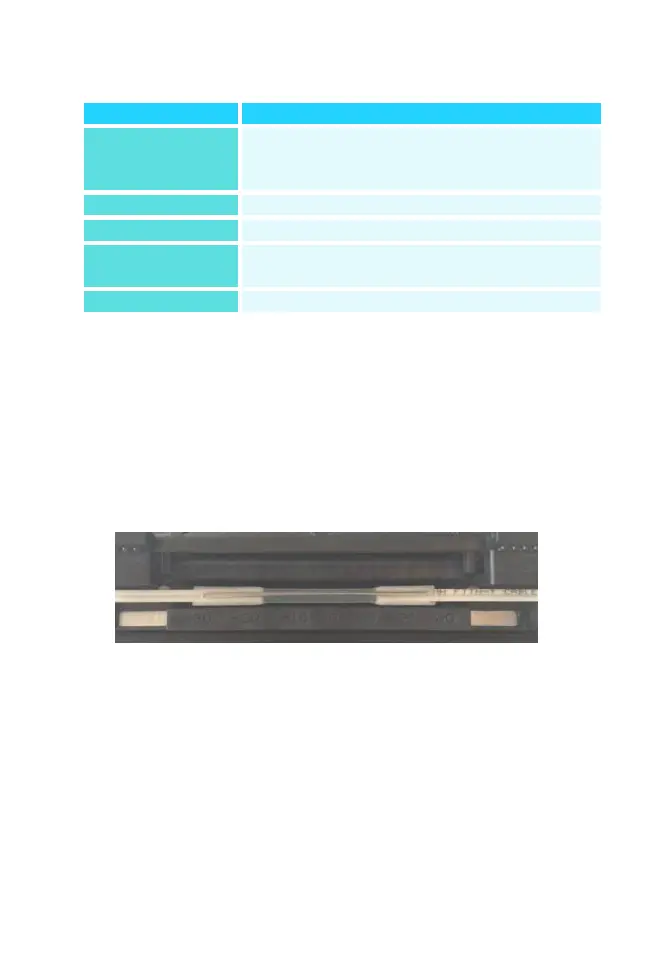
The system has pre-stored heating
programs for different heat shrink sleeves,
plus a number of user-set programs
10mm-60mm ordinary casing, FC/SC
Upper temperature limit for heating
process
Heat shrinkage heating time


 To Next Page