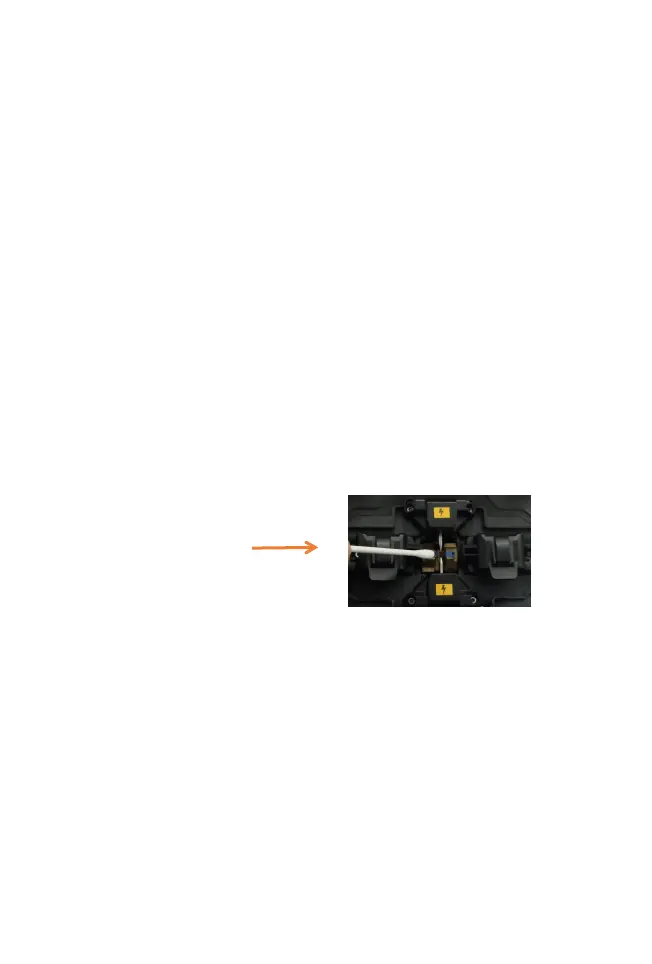
(1) Clean the V-groove with a cotton swab dipped in
alcohol, and clean the prepared optical fiber.
(2) Select [Detect system parameters] in the [Maintain]
menu, and press the menu key twice continuously to
enter the system parameter self-test interface.
(3) Put the cut optical fiber into the fusion splicer, close
the windproof cover, and press the start button to start
the system parameter self-test.
(4) Under normal circumstances, the parameter
self-test will last for about 2 minutes, please observe
the prompt information on the LCD screen, if the
self-test fails, please correct the operation according to
the prompt information, and restart the system
parameter self-test (step2))
3.4 Cleaning and maintenance of Fusion Splicer
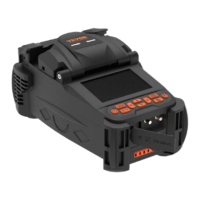
(1) Open the windproof cover of the fusion splicer.
(2) Use the delivered dust blower to clean the pollutants
on the V-groove.
(3) Clean the bottom of the V-groove with a thin cotton
swab dipped in alcohol.
Note: Do not touch the electrode tip. Do not use
excessive force when cleaning,
so as not to damage the V-groove, resulting in
abnormal use.


 To Next Page