affected. The number of discharges must be cleared after
replacing the electrode. Do not touch the tip of the electrode
rod when replacing.
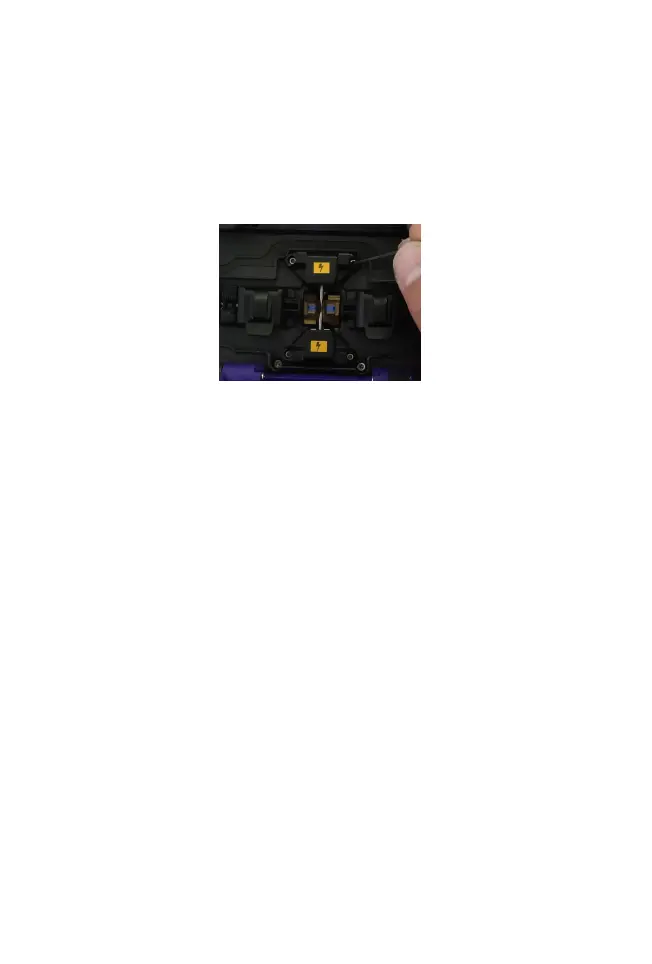
(1) Before replacing the electrode, the user must switch
off the power supply.
(2) Loosen the screws securing the electrode cover and
remove the electrode.
(3) Install the new electrode into the electrode slot, fit the
electrode cover and slowly tighten the screws.
(4) Observe that the two electrode connections are in
the horizontal plane and also in the vertical plane; if not,
reinstall the electrodes.
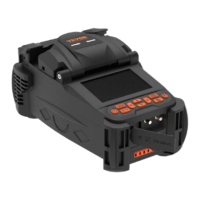
(5) Turn on the power, put the prepared optical fibers into
the fusion splicer and select [Replace electrodes] in the
[Maintain] menu.
(6) After the above operation is completed, please
perform [Detect system parameters] and [Arc correction]
again.
3.3 System parameter self-test
Strongly recommended that the fusion splicer perform
system parameter self-test after system upgrade;
replace electrode rods or move electrode rods; the
fusion splicer has undergone long-distance
transportation or severe vibration. Otherwise, will affect
the splicing effect.
The steps of system parameter self-test are as follows:


 To Next Page