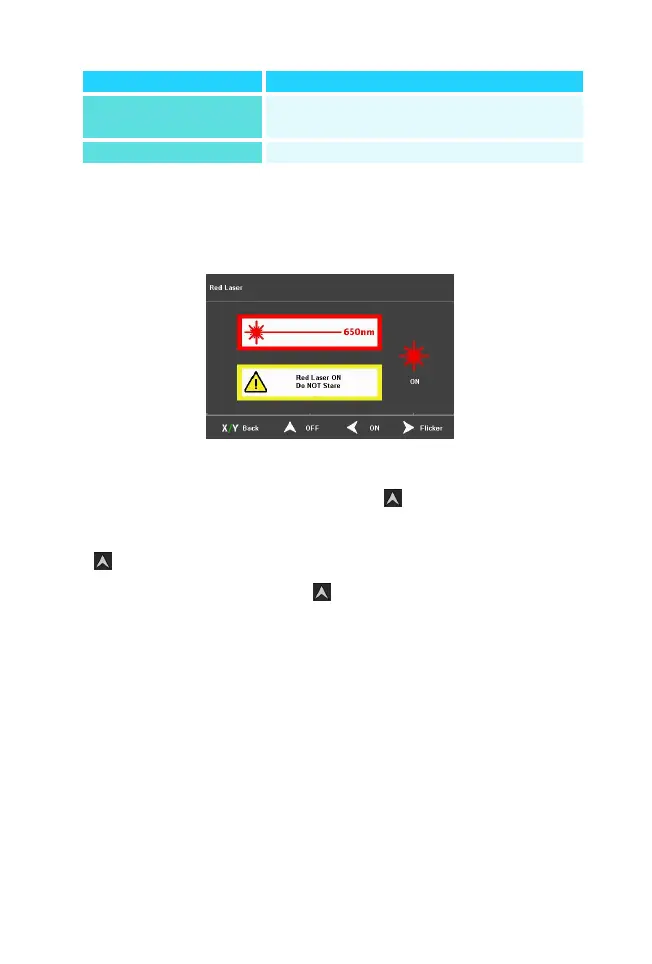
(2)Select 【VFL】in the main menu to enter VFL
setting menu
Red light on operation: Press the“ ”key to turn on the
red light and keep the constant light setting, press
the“ ”key again and the red light changes to the
flashing setting, press the“ ”key again to turn the red
light off.
Set the current required
measurement wavelength parameter
Compensation of loss deviations


 To Next Page