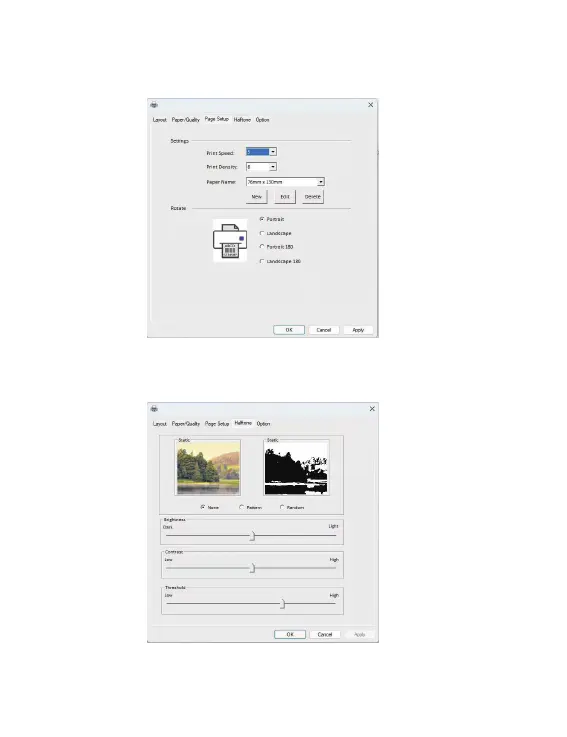
2. Click "Page Setup" sheet, you can change the paper size, print speed,
print density and rotate.
3. Click "Halftone" sheet, you can change the image dithering algorithm
to make your image or "COD" letters print clearly.
10
Y486 Label Printing Preferences
Y486 Label Printing Preferences



 To Next Page