5.1 Windows Setup Via USB
1.Before installation, ensure the printer is turned on, and USB cable is
connected to your computer.
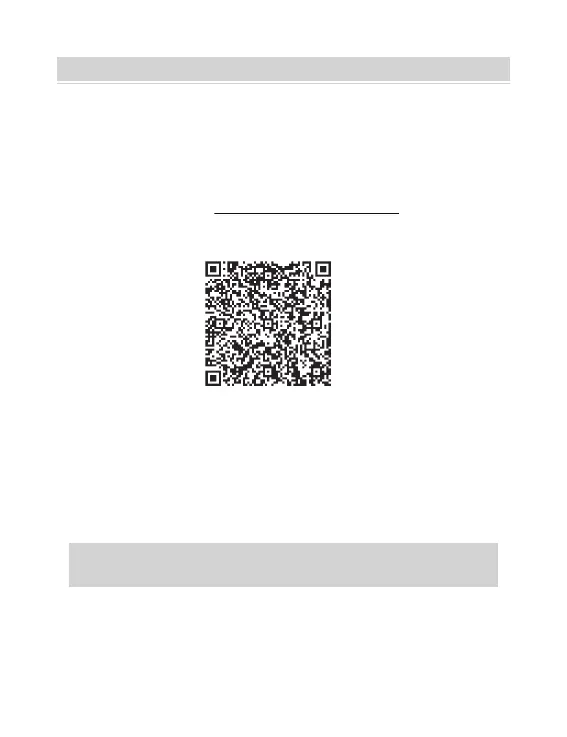
2.Scan QR Code or visit https://help.flashlabel.com to download
driver and watch installation video.
Scan QR Code to download windows driver
3.Follow these steps to finish driver installation on Windows:
1).Open the "LabelPrinter-Windows-Driver-Latest.exe" file with a double-
click to start the installation process.
If the file is named "LabelPrinter-Windows-Driver-Latest.zip",
you need to decompress it to the .exe file.
2). Click "Install" follow the onscreen instructions.
WINDOWS SETUP VIA USB
07



 To Next Page