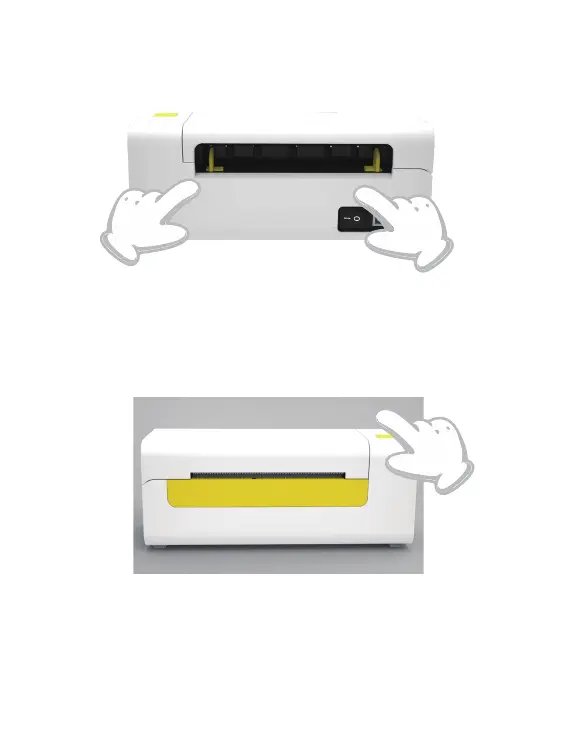
3.Intelligent Label Calibration
Press and hold the feeder button for about 3 seconds until you
hear one beep then release, the label will move back and forth
several times to calibration the label size, then you can start
printing.
Since the printer needs to measure the length of the thermal paper,
a stack of labels with at least 3 sheets is required to complete the
process.
06



 To Next Page