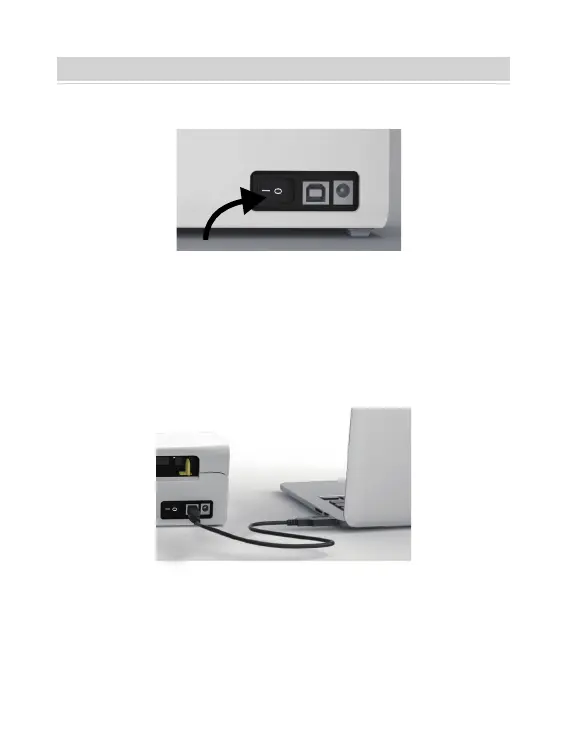
1.Ensure the power is OFF(Press down“O”means Power OFF)
2. Connect the USB cable.
(Special Note: For Windows users, please connect the same
USB port on your computer to aviod producing unwanted
duplicates of printer in your system).
PRINTER CONNECTION
03
Tips: For Mac users, you can purchase the USB-C to USB
adapter from our store at a discounted price.



 To Next Page