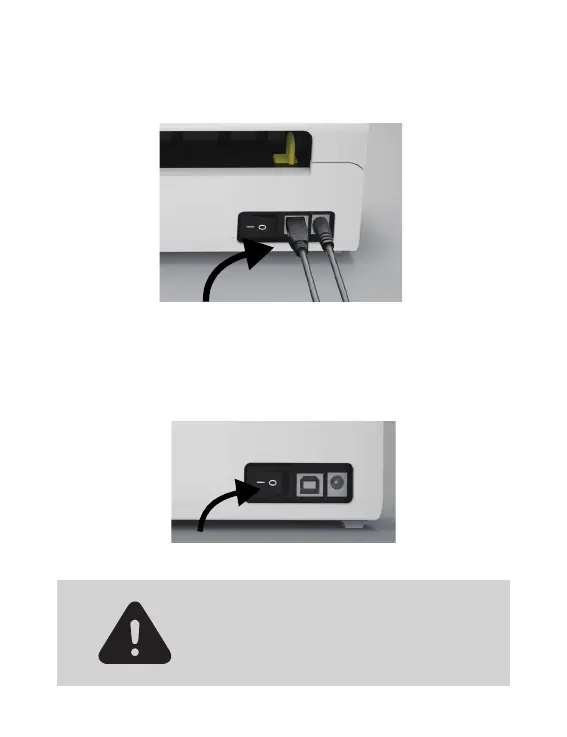
3. Make sure the power adapter is tightly connected,
then connect the power cable to the printer's power
port and the electrical sockets.
4. Turn the power ON (Press down "-" means Power
ON),now you will see the light flashing!
Must turn off the switch before you plugging
the power cable into power port each time
or it may cause sparks!
04



 To Next Page