Please kindly contact us if you have any issues.
You can search for more FAQs on our website :
https://help.flashlabel.com
or send email to Help@FlashLabel.com
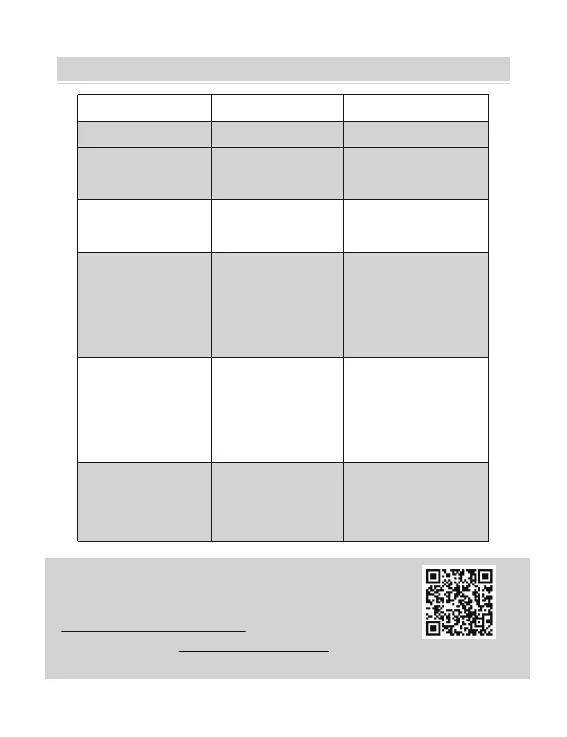
Light Status Description Solution
Green
Blue
Normal
Ready to print
Wireless connected
Ready to print
using wireless(Applicable
to Y486BT only).
Flashing Red Fast
(Every second)
Flashing Red Slowly
(Every 2 seconds)
This happens when
the cover is not
closed.
Close the cover properly
This happens due to
paper shortage;
Wrong pape size
Re-Load Labels;
Run automatic label
calibration
Flashing Red and
Green(Every second)
This happens when
the printer head is
overheated.
Wait until it cools
down, the printing job
will resume itself
Light off & Buzzer
rang
Low voltage Switch to 24V adapter
Scan QR Code to visit
help.flashlabel.com
LED STATUS
21



 To Next Page