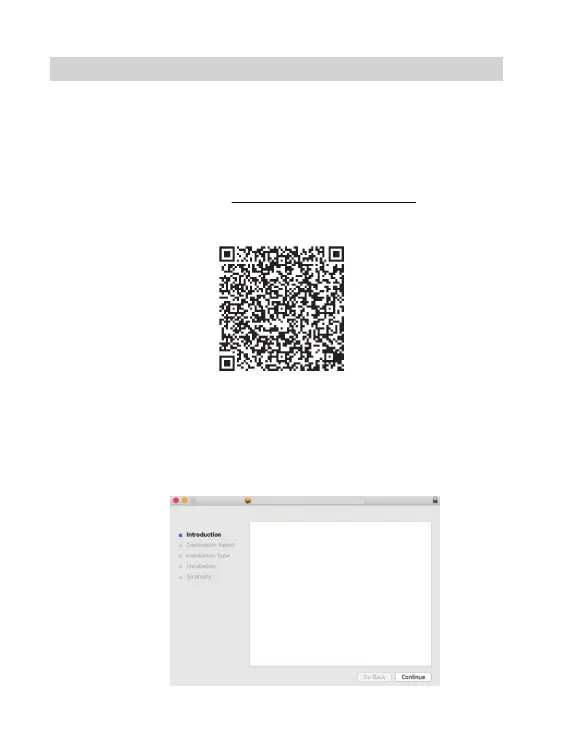
1).Double-click the file "LabelPrinter-Mac-Driver-Latest.pkg".
2).Click "Continue" and follow the onscreen instructions to finish.
Install Label Printer Driver Ver1.0.2
Welcome to the Label Printer Driver Ver1.0.2 Installer
Driver installer is detecting label printer, please do the following:
1. Connect printer to your computer via provided USB cable. If your
USB of computer is a Type-C USB port, please us USB-C to USB
converter.
2. Power on the printer,then click "continue" button.
6.1 macOS Setup Via USB
1.Before installation, ensure the printer is turned on, and USB cable is
connected to your computer.
2.Scan QR Code or visit https://help.flashlabel.com to download
driver and watch installation video.
Scan QR Code to download macOS driver
3.Follow these steps to finish driver installation on macOS:
MAC SETUP VIA USB
11



 To Next Page