7 ChromeBook Setup Via USB
1.Before installation, ensure the printer is turned on, and USB cable is
connected to your computer.
2.Scan QR Code or visit https://help.flashlabel.com to download
driver and watch installation video.
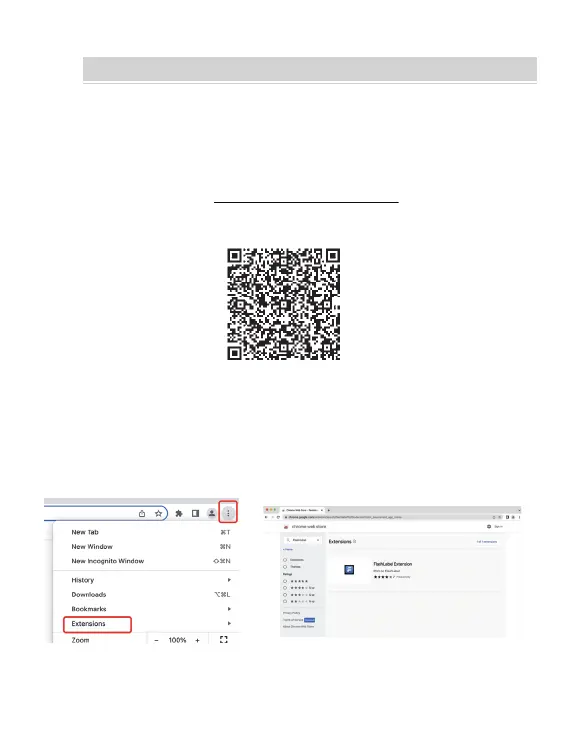
Scan QR Code to watch ChromeBook driver installation video
3.Follow these steps to finish driver installation on Chrome OS:
1).Search and add
"
Flashlabel
"
extension in the Chrome Web Store.
CHROMEBOOK SETUP VIA USB
15



 To Next Page