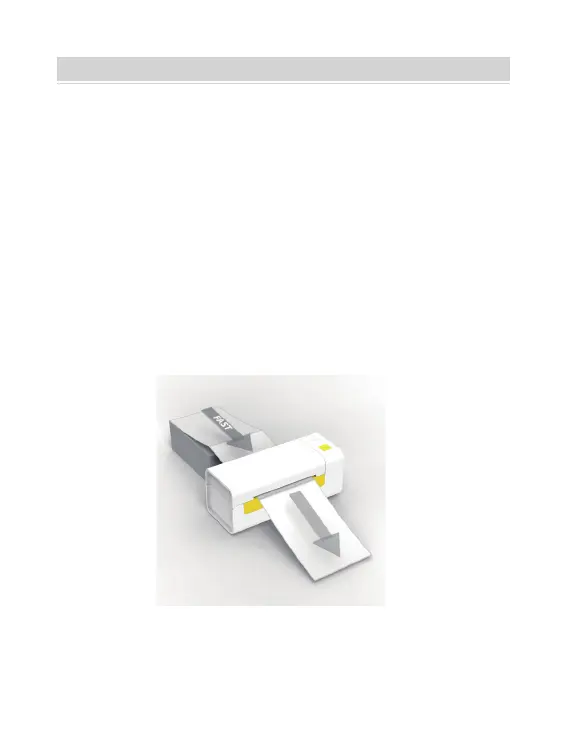
Y486/Y486BT is capable of working with labels in various sizes, and
it needs to learn your label properties before its first use.
To initiate Automatic Label Loading and run Intelligent Label
Calibration, please follow these steps:
Turn on the power and wait for about 5 seconds until the printer
is initialized.
Insert the label from the backside of the printer, the printer will
load the label and move back and forth, then stop with the green
light on. Not a single label will be wasted during this procedure.
It's suggested to adjust the label guide to match the width of the
label if necessary before the label is pushed in.
1.Power On
2.Automatic Label Loading
LABEL LOADING AND CALIBRATION
05



 To Next Page