3. Ensure that you have administrator rights on the
CAM computer.
4. Install DENTALCAM & DENTALCNC.
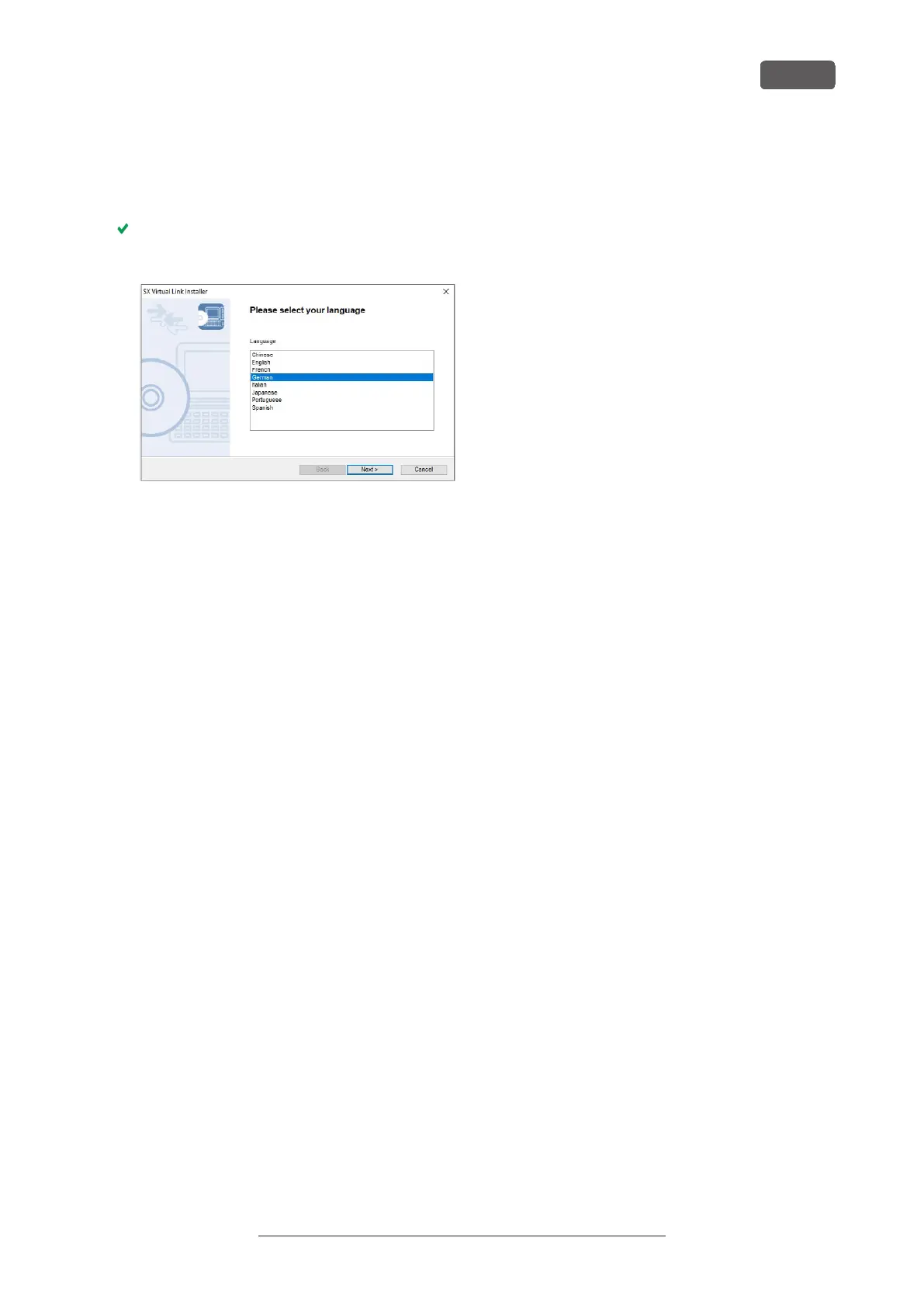
During installation, the SX Virtual Link setup
program opens.
FIG. 20 THE FIRST VIEW OF THE SX VIRTUAL LINK SETUP PROGRAM
5. If the SX Virtual Link setup program did open,
continue with the next step.
If the SX Virtual Link setup program did not open,
open the installation program in the DENTALCAM
& DENTALCNC installation folder.
USB\Silex\Cosetup.exe
6. Follow the SX Virtual Link setup program until the
installation is finished.
7. Continue with the DENTALCAM & DENTALCNC
installation.
R5 – Installing the machine
EN 25
Original Operating Instructions:R5
Version: 12/16/2021



 To Next Page