User
25
5.7.3 “Hi” as History mode
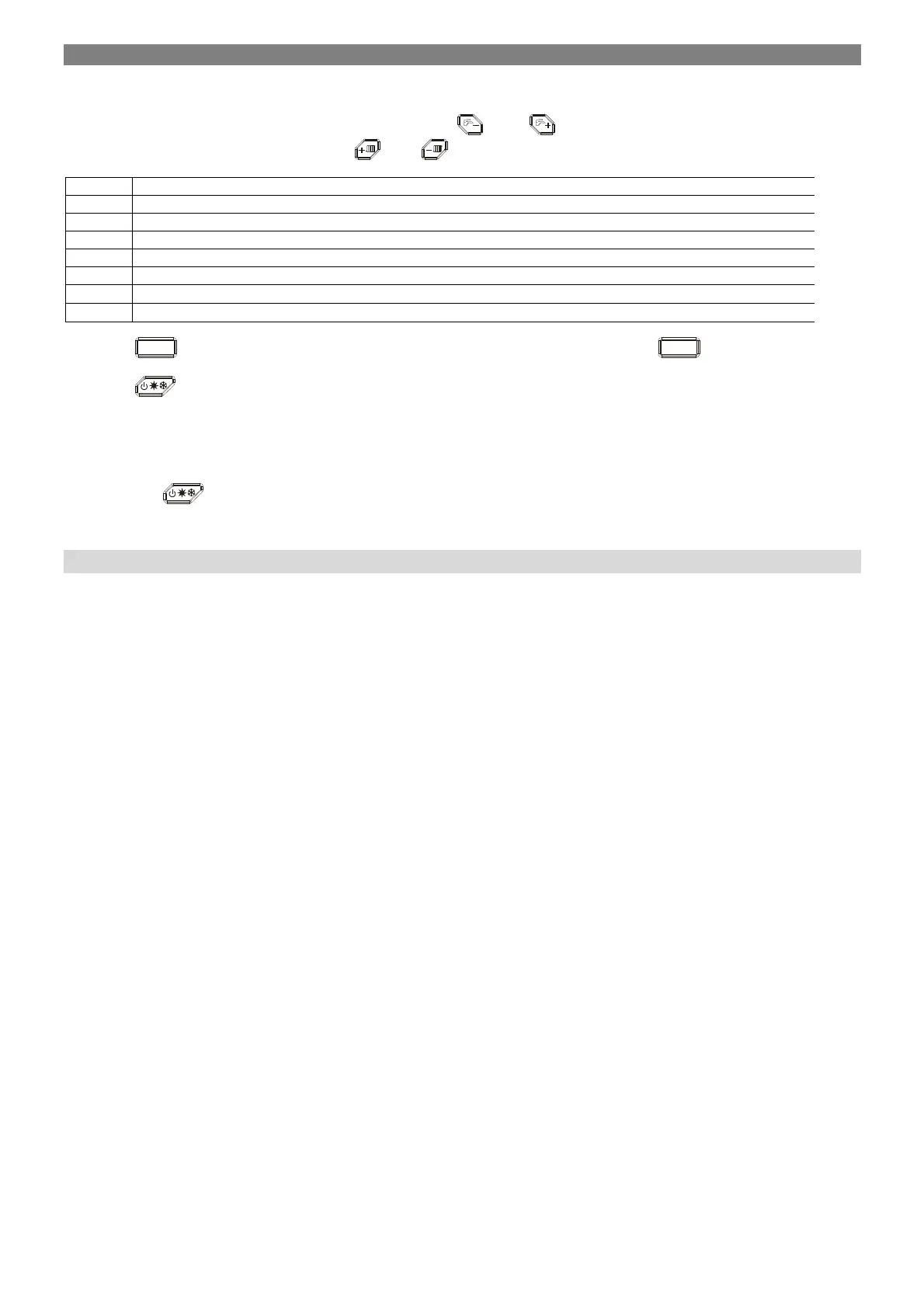
Selecting “Hi” the display starts with showing H01. By means of the
and
push buttons is possible to select the parameters.
Selecting one of these parameters, by means of the
and
push buttons is possible to see his value (not flashing).
History buffer 1 (the lastest) – Exx or Fxx
History buffer 2 - Exx or Fxx
History buffer 3 - Exx or Fxx
History buffer 4 - Exx or Fxx
History buffer 5 - Exx or Fxx
History buffer 6 - Exx or Fxx
History buffer 7 - Exx or Fxx
History buffer 8 - Exx or Fxx
By pressing
K4
push button for 1 second, is possible to come back to the “Hi” list, then by pressing
K4
once again, escape from
the History Mode.
By pressing
push buttton for 1 second is possible to leave the Installer mode.
If no action has been taken, the display automatically leaves this mode after 2 minutes.
5.7.4 “rES” as Reset of the History information
By pressing the
push button for 5 seconds longer, is possible to reset all the History information; to confirm that, the system
automatically leave the Installer mode.
6 Maintenance
Before cleaning always turn off the equipment.
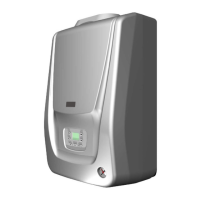
The plastic cover of the product does not require any extensive maintenance. The cover of the boiler can be wiped off by a dry cloth or by a
cloth dipped in a detergent lotion. Never use solvents or abrasive agents for cleaning of the boiler surface.
While checking the tightness of the gas distribution and the valve connection, it is necessary to be careful not to wet the coil of the
gas valve!
All maintenance can be performed only by the contracted servicing organization trained by the manufacturer.
The user is obliged to ensure regular inspection of the gas boiler once a year. When these conditions are not observed, the user
cannot claim warranty repairs.
Burner sealing shall be replaced approximately every 2 years of operation or when damaged.
Use only original spare parts approved by the manufacturer in order to ensure safety and long service life of the boiler.


 To Next Page