iMS3D – Indoor Mobile Scanning System
Operating Guide. © Viametris SAS.
iMS3D – Operating Guide Document v2.12 15
Note:
When the user click the push button to switch off, the blue light flashes until the system is completely off.
If the user switches off the system from the tablet, the blue light of the switch flashes as well.
Then, every component should be removed at the exact inverted order than the one used to mount it.
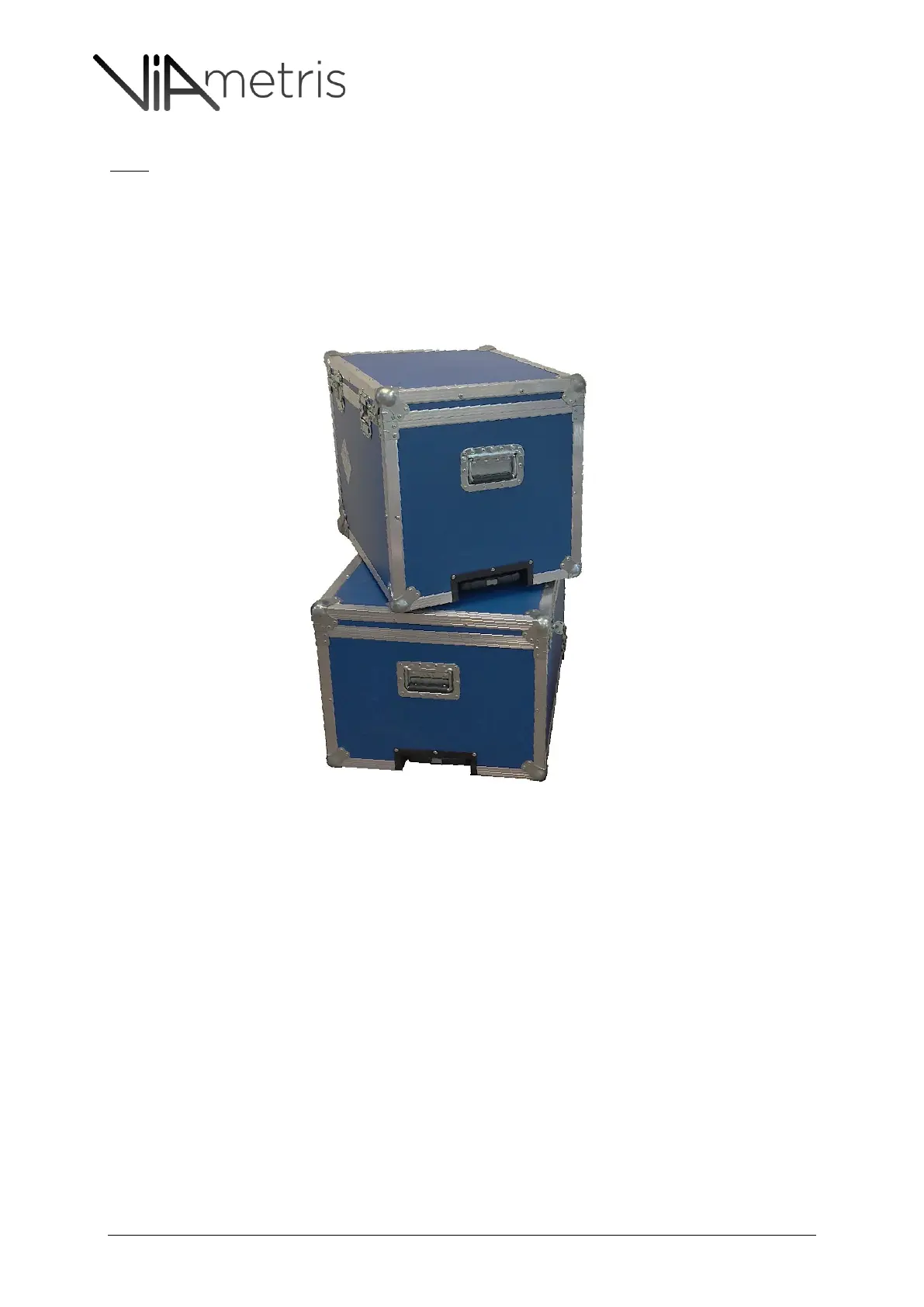
The flight cases are designed to store the components in this order.



 To Next Page