iMS3D – Indoor Mobile Scanning System
Operating Guide. © Viametris SAS.
iMS3D – Operating Guide Document v2.12 22
Mirrors:
Rooms or areas with mirrors on one side are not requiring special scanning handling but will
create ghost image that would require to be managed during post production.
Multiple mirrors can create artefacts that could be difficult to correct during post production,
it then recommended to “hide” facing mirrors if they can reflect on each other’s.
It is then recommended to first try and test system reaction when passing by mirrors. If
required hiding some mirrors (paper rolls…) can improve the scan.
8.2.4 DOORS: HOW TO HANDLE “OPEN/CLOSE”
Doors separating areas and rooms have to be carefully handled during the scanning operation:
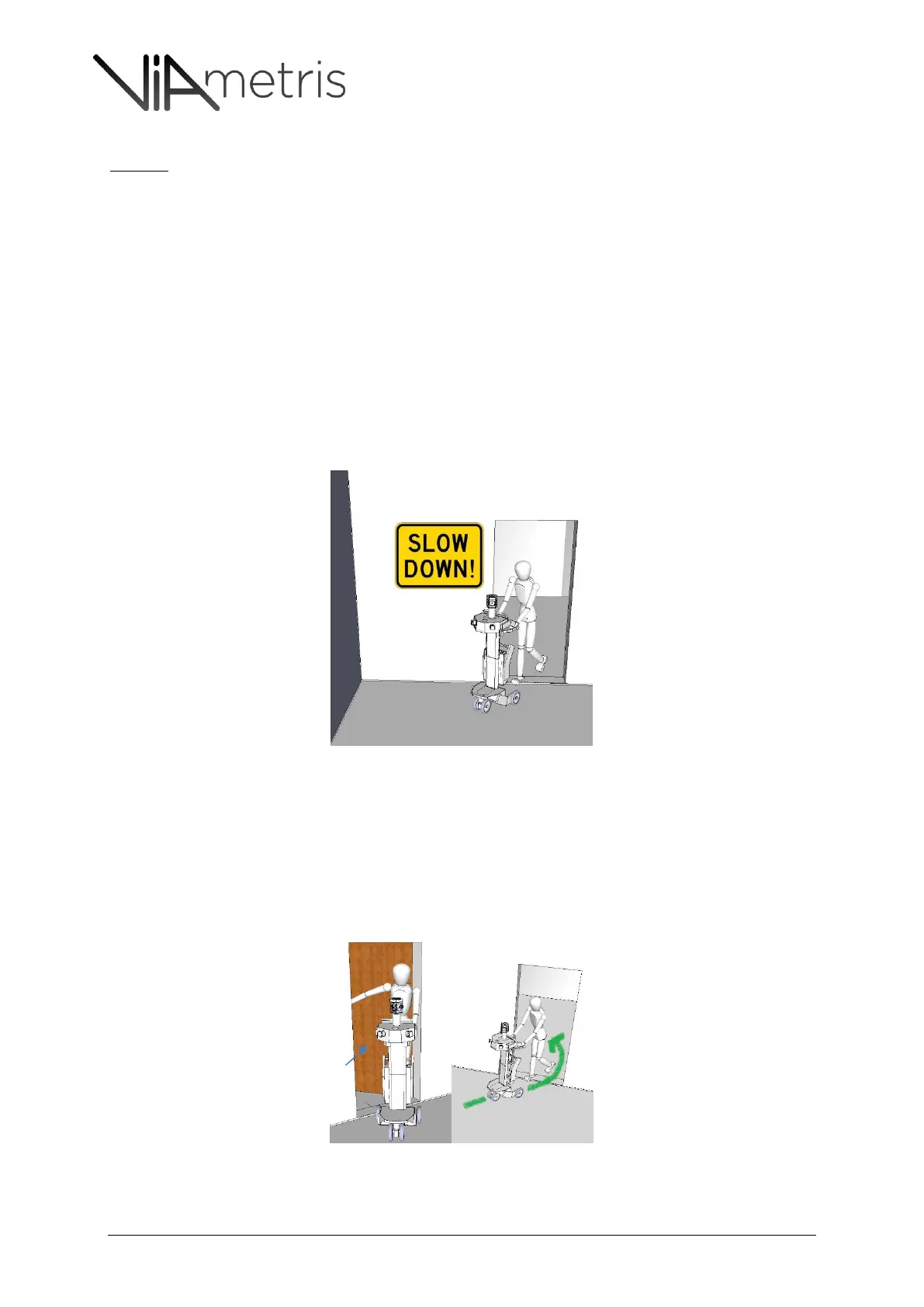
It is always recommended to slow down the scanning process while entering in a new room,
especially while stepping through the door step. See Figure 23.
Failure to do so could reduce the accuracy of the door step measurement which is always
considered as a very critical point.
Figure 23: to be sure to capture all critical door step details, it is recommended to slow down the walking pace while crossing
door steps
Opening of doors
If the cart operator is opening the door, it is recommended to follow the sequence:
o Operator approaches the door moving backward and handles the opening from his
back: Figure 24
o Operator slowly walk backward through the door step pulling the cart behind him
Figure 25
o Operator resumes normal scanning process pushing the cart in front of him
Figure 24 & Figure 25: Cart operator opening door



 To Next Page