iMS3D – Indoor Mobile Scanning System
Operating Guide. © Viametris SAS.
iMS3D – Operating Guide Document v2.12 19
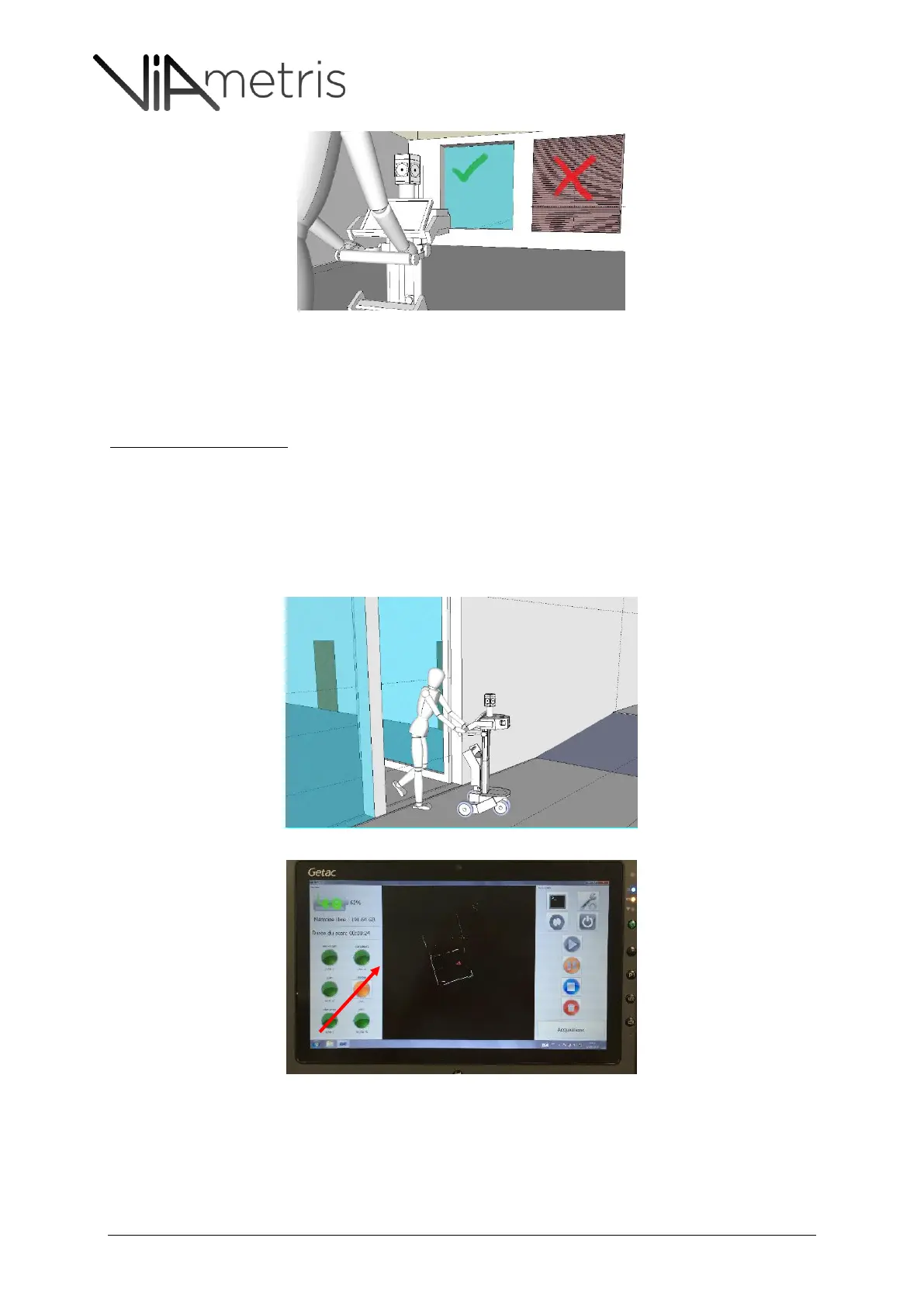
Figure 15: internal blinds have to be left opened as they hide important details.
If intense light exposure cannot be avoided in a room then the measurement distances have
to be shorter and the scanning trajectory has to be closer to scanned objects.
Failure to respect this recommendations leads to noisy laser measurements)
Light exposure variations
When moving from a corridor with neon light to a dark room with very low light (i.e. no window
closet)
When moving from a normally exposed room to a very bright light environment (i.e. a balcony
or a terrace) See Figure 16
To avoid under exposed or over exposed pictures, it is recommended to pause and take picture
manually. See Figure 17
Figure 16: moving to an intense sun light area requires a pause and manual picture shootings
Figure 17: The user can force shooting by clicking the camera status light



 To Next Page