28 OLP-87/OLP-87P
4 BASIC OPERATION
MENUS AND DISPLAY ELEMENTS
Menus and display elements
Home screen
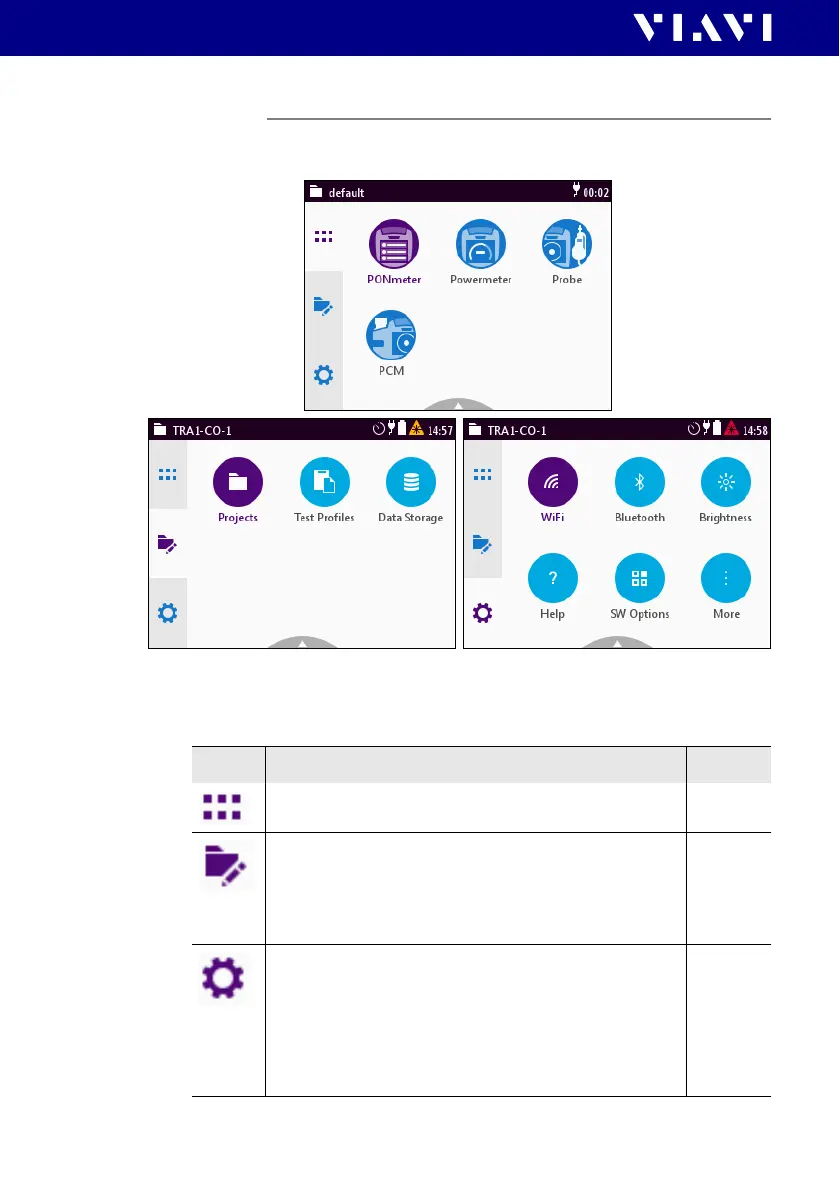
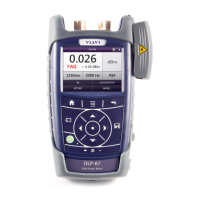
Fig. 11 Home screens: Test applications (screen shows PCM version)
(1), Management (2), Settings (3)
Menu See page
Test applications
In this menu you can open test applications.
29
Management
In this menu you can:
• manage projects
• define a test profile (not supported yet)
• get access to stored data
39 and 71
Settings
In this menu you can:
• manage WIFI and Bluetooth settings
• change instrument settings
•open the help
• display instrument information
• manage software options
32


 To Next Page