OLP-87/OLP-87P 63
GENERAL INFORMATION
9 BROADBAND OPERATION
9 BROADBAND OPERATION
General information
Broadband measurement is available by enabling the software
option for 1310/1490/1550nm and 1270/1310/1490/1550/
1578nm instruments.
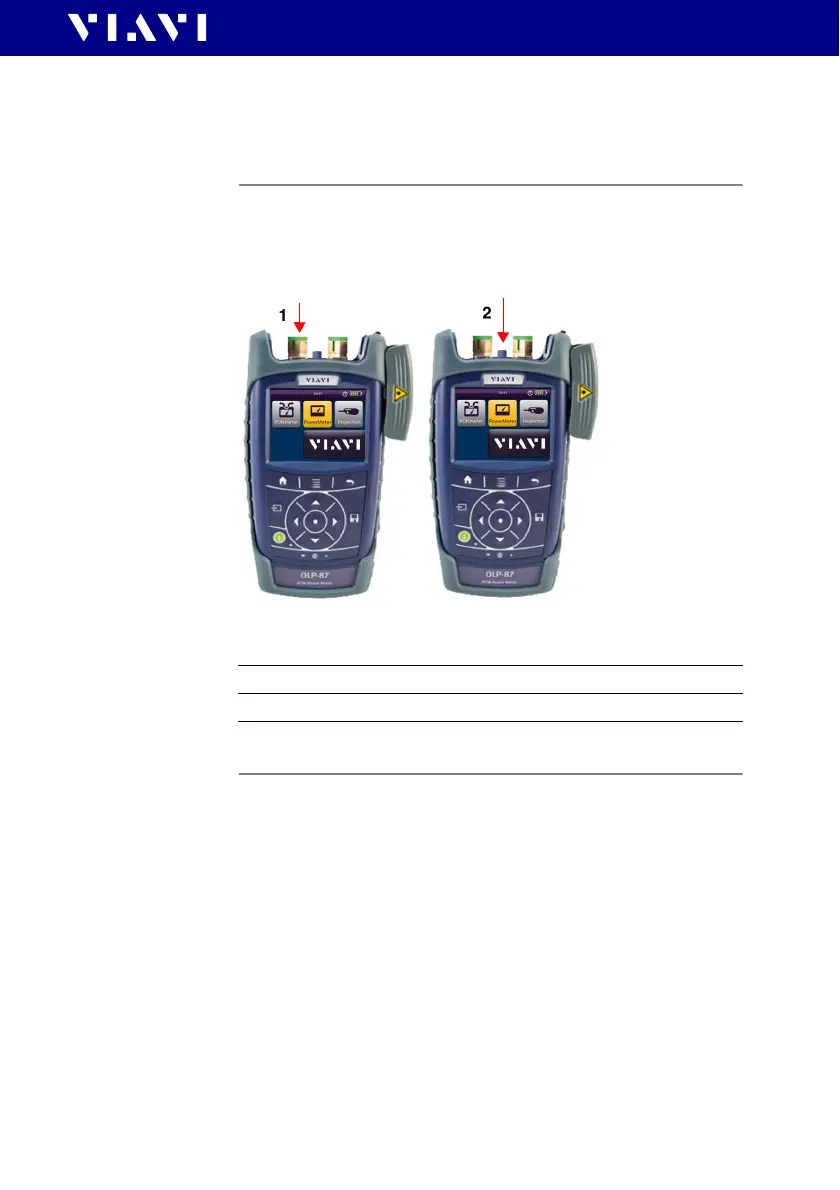
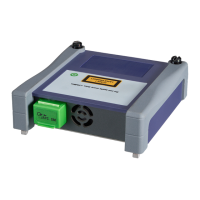
Fig. 24 Input port for broadband measurement
Setting and selecting wavelengths
The OLP-87/OLP-87P provides several ways to select a
wavelength:
• Auto mode: When using an Auto capable laser source (like
the OLS-85), wavelengths can automatically be detect.
• By tapping the wavelength displayed in the measurement
display until the desired wavelengt h is s ho w n. T he w av el e ng t h s
offered in the table can be defined in the [Edit Tab l e] menu.
• By selecting a wavelength from the table in the menu. The
wavelengths listed in this table are not affected by the Show
settings in the [Edit Table] menu.
1 OLT
2 BB-OPM


 To Next Page