64 OLP-87/OLP-87P
9 BROADBAND OPERATION
SETTING AND SELECTING WAVELENGTHS
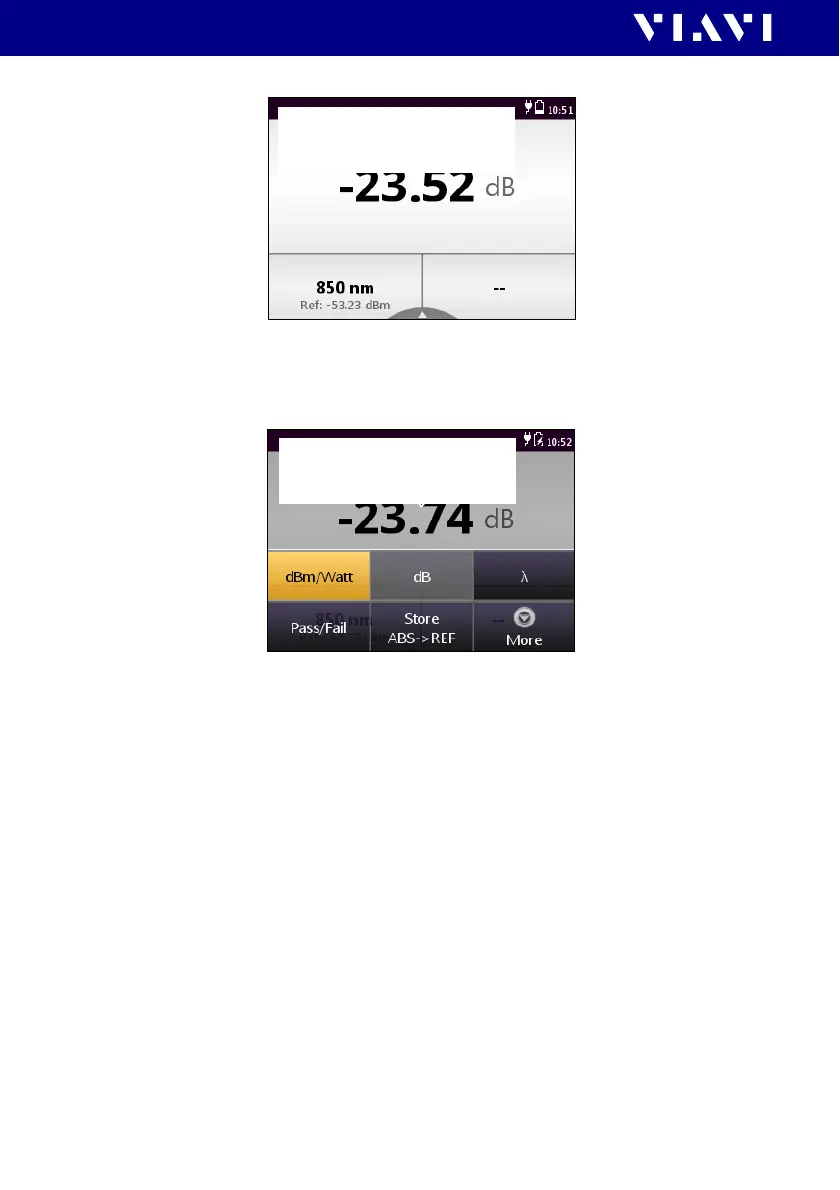
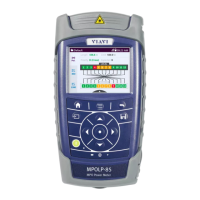
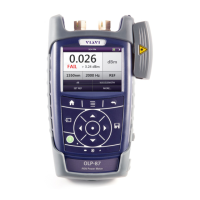
Fig. 25 Measurement display (screen shows actual power level (upper),
selected wavelength (lower left) and modulation frequency
(lower right)
Fig. 26 Measurement display (screen shows the settings menu)
Creating and editing wavelengths in the table
In the [Edit Tab l e] menu wavelengths can be added and
deleted. Furthermore for each wavelength the reference value
and the limit can be defined. The Show option defines, if the
wavelength is available when tapping through the table in the
measurement display.
To open the Edit Table:
I The instrument is in Powermeter mode.
1. Press the
[A] key and tap the [More] button.
2. Tap t h e [Edit Tab l e] button.
Grafik korrekt für
Broadband Operation?
Grafik korrekt für
Broadband Operation?


 To Next Page