40 OLP-87/OLP-87P
5 MANAGING PROJECTS
EDITING A PROJECT
Adding a new project:
2. Press the
[A] key.
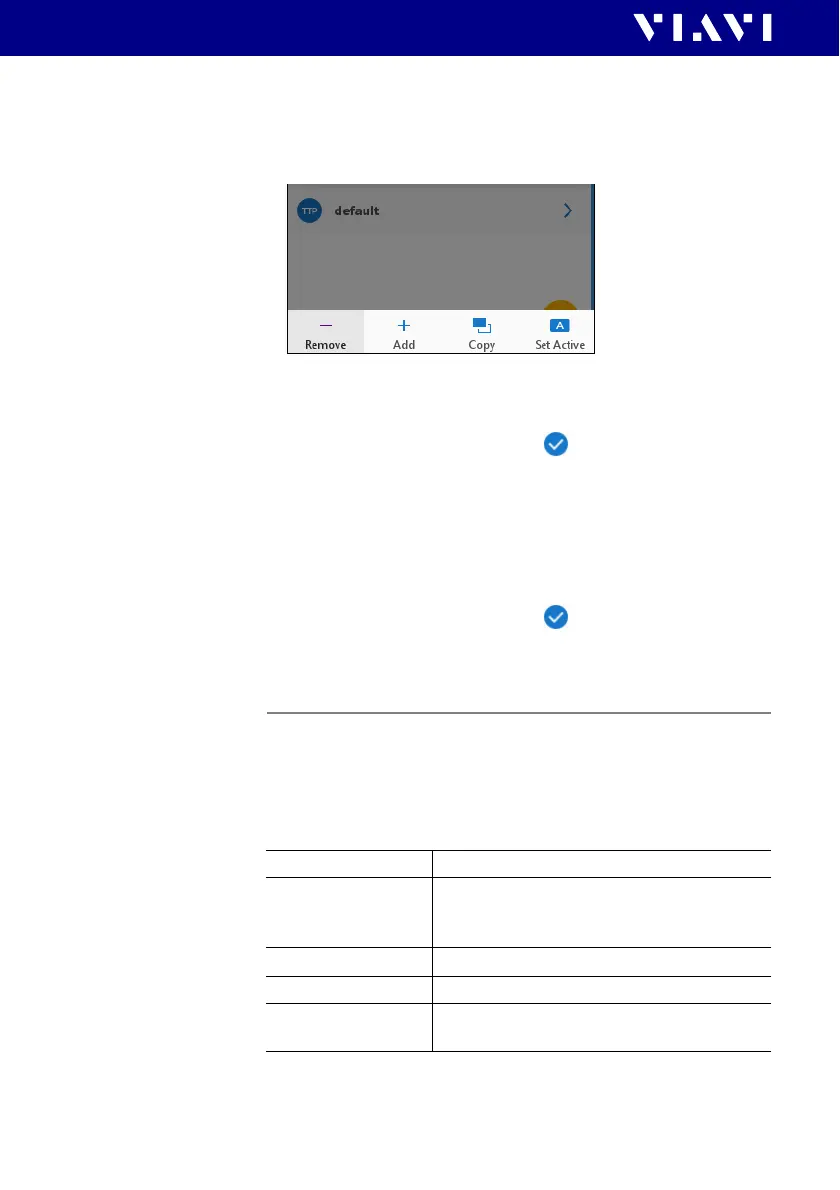
The edit menu opens.
3. Tap [Add].
The title edit menu opens.
4. Type in the project title and tap .
The project is created and displayed in the list.
Copying an existing project:
1. Select the project you wish to copy.
2. Press the [A] key and tap [Copy].
The title edit menu opens.
3. Type in the project title and tap .
The project is created and displayed in the list.
Editing a project
1. Double click the project.
– or –
Select a project using the up/down arrow key and press the
central key.
The edit menu opens:
2. Edit the fields.
Name Project name
Description Project description
Will be shown in the projects list below the
project name.
Label Prefix Prefix that will be added to the label.
Label Index Start index for the label
Auto Increment
Label Index
When enabled label index will be incremented
automatically with each storage.


 To Next Page