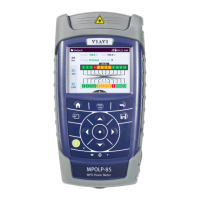
32 OLP-87/OLP-87P
4 BASIC OPERATION
CHANGING SYSTEM SETTINGS
Changing System Settings
In the Settings menu you can change instrument settings, get
information and help about the instrument, or update the
firmware.
To open the Settings menu:
I The home screen is displayed.
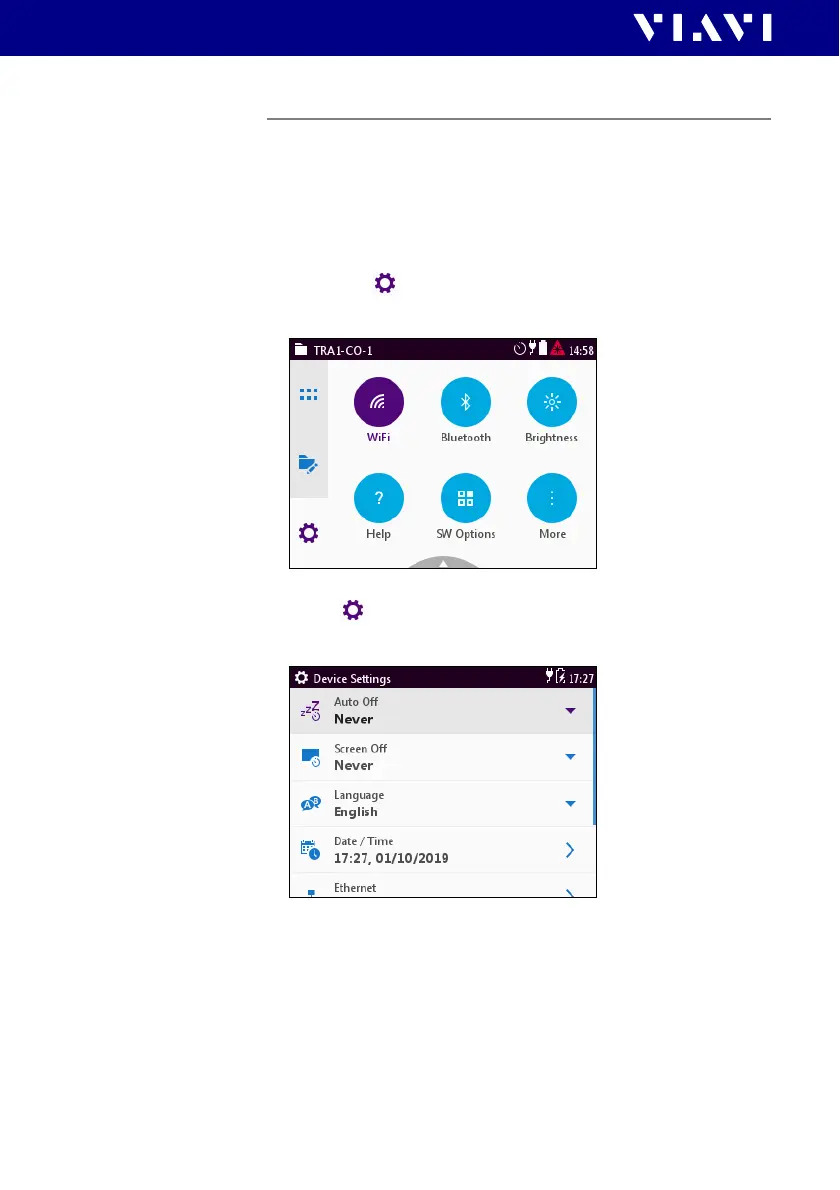
1. Select the tab.
The Settings menu opens:
2. In the menu tap the [More] button.
More setting options are displayed.
The following table gives a short overview of the menu items.
These are explained in the following sections.


 To Next Page