OLP-87/OLP-87P 33
CHANGING SYSTEM SETTINGS
4 BASIC OPERATION
Adjusting the display brightness
1. In the menu tap the [Brightness] button.
2. Tap a symbol to change the display brightness.
3. Tap [OK].
Showing device information
J In the menu tap the [Help] button.
Information about the hardware and software is displayed.
Setting the [Auto-Off] interval
When [Auto-Off] is set, the device will switch off after the
selected interval without any user action.
NOTE: [Auto-Off] is only active when no external power supply is
connected.
1. In the menu tap the [More] button,
then tap [Auto-Off].
2. Select the desired interval.
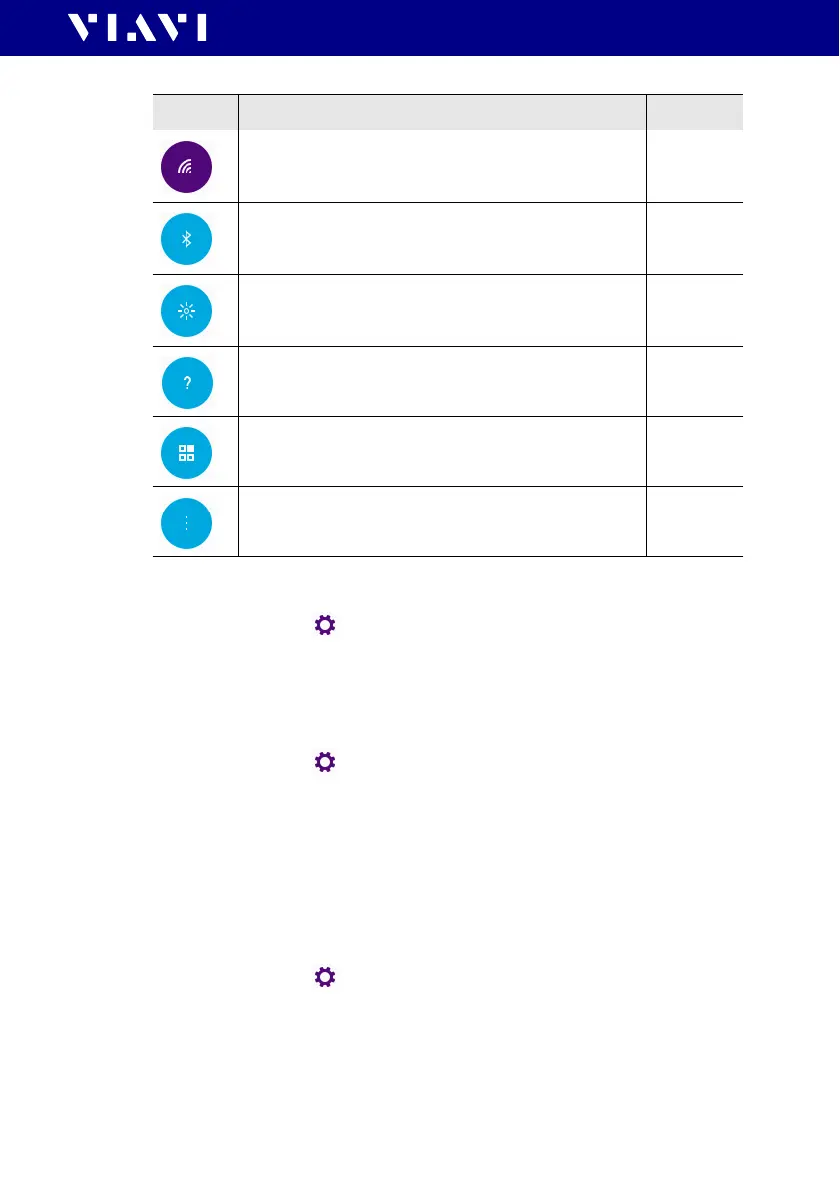
Icon Function See page
WiFi
To configure the wireless local area network.
The last selected item is displayed in magenta.
36
Bluetooth
To configure the Bluetooth interface.
36
Brightness
To adjust the display brightness.
33
Help
To show device information
33
SW Options
To check and install software options.
Not yet
available,
36
More
To access further instrument settings. See following
sections.
33


 To Next Page