16
NM PLUS HYDROGEN GENERATOR
USER MANUAL
www.vicidbs.com
Version 1.06.0000
6.6.3. Starting the Generator
1. Once the previous operations have been performed, the generator is ready for operation.
2. Check that the tank is lled with deionized water.
3. Check that the hydrogen outlet connector is tightly tted.
4. Turn the Power switch to the “ON” position.
5. Enter the desired set pressure, using the menu buttons and selecting “Pressure Adjust”.
6. Press the “Start” button to start the unit (if the unit has been congured for “Auto Start” - see
Conguration - it will start automatically).
7. The unit will immediately begin to build up pressure. The LCD display will show the message
“Reaching Normal Pressure”, and the H2 ow bar will indicate maximum ow (fully illuminated).
8. Wait until the “Act Pressure” reaches the set value. These values are shown on the LCD display. It may
take a few minutes to reach the set operating pressure.
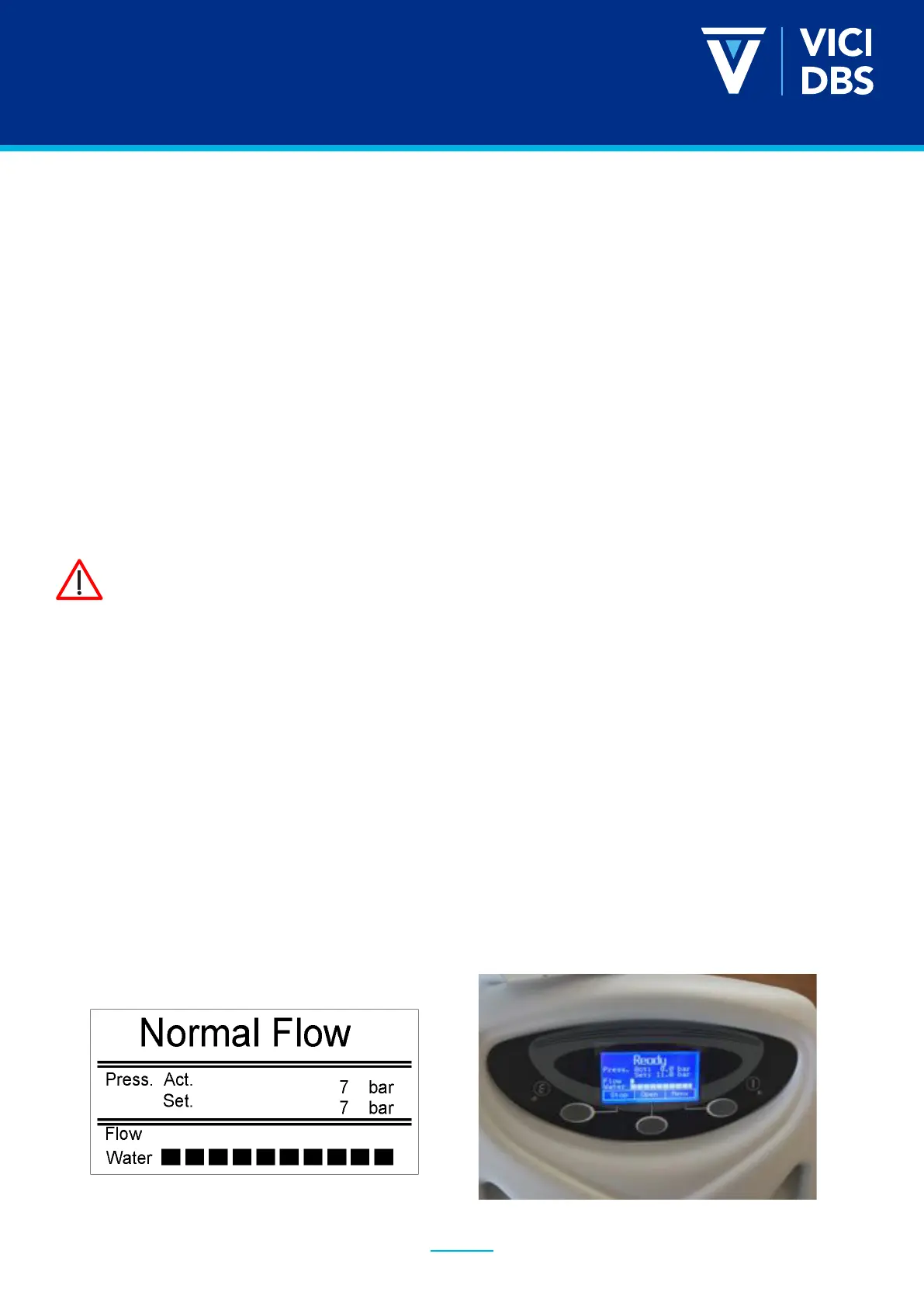
1. Once the pressure reaches the set value, the LCD display will show the message “Normal
Pressure” and the H2 ow bar will indicate no ow (no segments illuminated). This indicates
that there are no gas leaks with in the generator itself.
2. Open the shutoff valve. The outlet pressure will fall initially. The pressure drop and the duration
are depending on the volume consumed by the external equipment connected to the generator.
3. After the initial pressure drop, the outlet pressure should stabilize at the set pressure. A continuous
pressure drop indicates a gas leak in the external equipment, or a too high hydrogen consumption.
Check the external equipment for leaks or excessive hydrogen consumption.
4. The generator is now in normal operating mode.
If the generator does not build up pressure as required, the unit will shut down.
Refer to the troubleshooting table.



 To Next Page