EasyManua.ls Logo

VICI M50 - Appendix A: Microlynx Terminal Section; Terminal Programming Mode

VICI M50
34 pages
Print Icon
To Next Page IconTo Next Page
To Previous Page IconTo Previous Page
Loading...
22
Appendix A: MicroLYNX Terminal Section
Terminal Programming Mode
Figure 14:MicroLYNX-4commands,partA
 
 
 
 
 
 

 

 
 
 

 

 

 
 







TheTerminal(MicroLYNX)programmingmodeisforadvancedcontrol
oftheMSeriesPump,allowingtheusertoalterthefactorydefaultsettings
for various parameters. While this may be useful in certain research
applications, the main use is for OEM (original equipment manufacturer)
customers. Figures 13 and 14 show the various control settings used for
specializedapplications,aswellasthedefaultsettings.
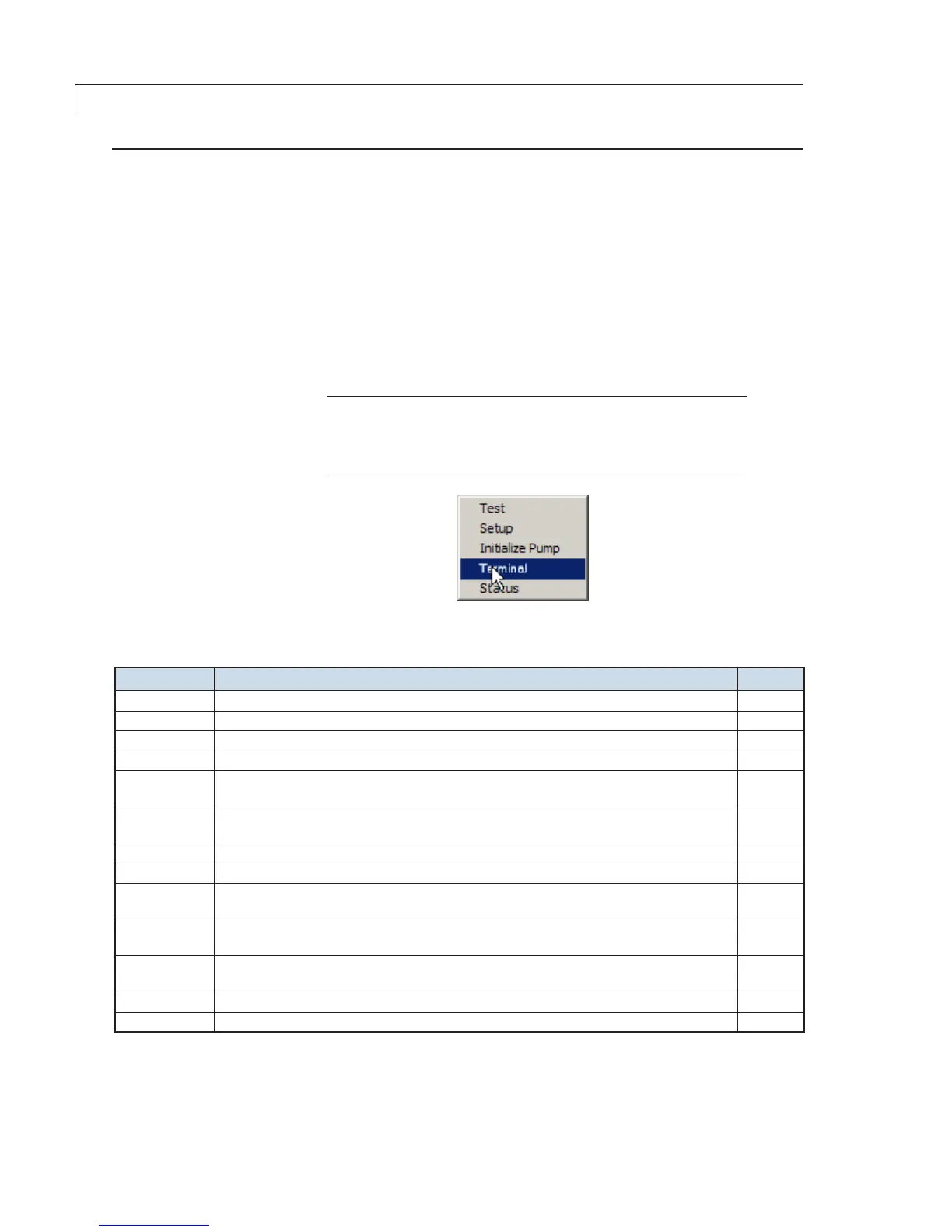
On the main menu, choose Utility > Terminal, as in Figure 13. To change
any of the parameters, enter the commands in Figures 14 and 15.
NOTE: Commands highlighted in bold are the most commonly
used commands. Commands in gray alsoimpactthesystem’s
use, and can be issued from a terminal emulation program such
as Windows Terminal.
Figure 13: Select “Terminal”