25
Setting the Address of each MicroLYNX
The party address can be set by either hardware switches or software.
In this discussion, “party address” and “drive name” are synonymous.
Hardware method
1. Connectthecommunicationscable(RS-232orRS-485)totherst
MicroLYNXonly.(NOTE: power can be connected to all units.)
2. Set the three address switches to OFF (which equals “no address”).
3. Applypower.Youshouldgetthefollowingstartupstring.
Programcopyright1996-2000by:
Intelligent Motion Systems, Inc.
Marlborough,CT06447
VER=1.5000SER=xxxxxxx
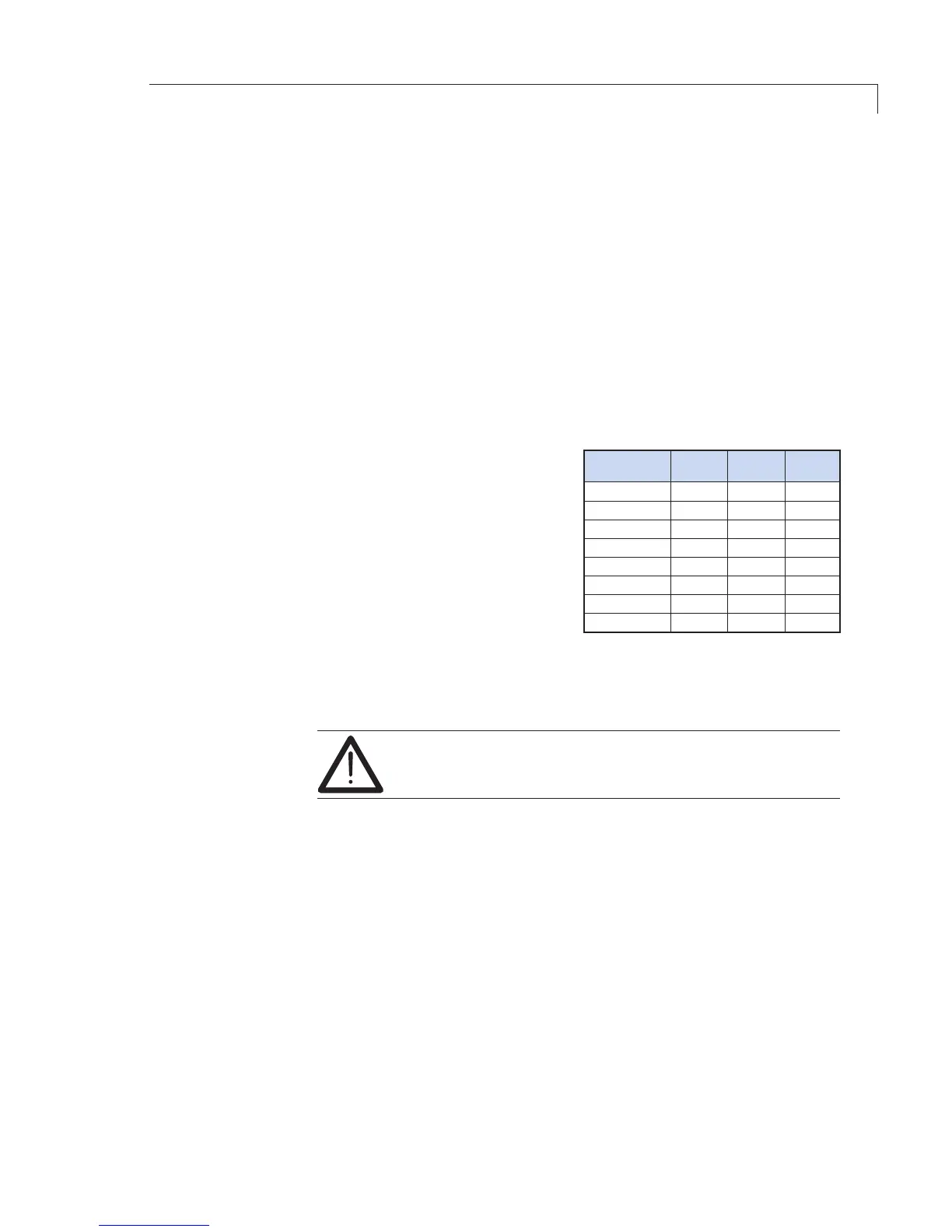
4. Set the three address switches
to assign the address desired
(uppercaseA–G)forthe
controller being configured.
5. Label the controller with its
address for easy reference.
6. Type Control-C [Ctrl-C]. (Or cycle
the power by removing power,
waitingfortheLEDtogoout,
then reapplying power.)
TheMicroLYNXisnowinpartymode,buttherewillnot be any message
indicating this;norwillyougetthe>prompt.YoudonothavetosetPARTY=1;
iftheaddressswitcheshavebeenset,party=1willbesetinternally.
In the party mode, all commands must be preceded by
the address (upper case) and terminated with [Ctrl-J].
7. TestthesetupbysendingthecommandPRINTVER,requestingthe
version of the firmware. (This illustration is for address A; substitute the
appropriate address.)
Input: APRINT VER[Ctrl-J]
Youshouldreceivetheline:
Output: VER=x.xx.
8. Iftherstcontrollerinamulti-controllersetupisconnectedtothePCby
RS-232,thentheHostagmustbesettotrue(1).
Input: AHOST=1[Ctrl-J]
Input: ASAVE[Ctrl-J]
9. Removepowerandconnectthecommunicationscable(s)tothenext
MicroLYNX.Repeattheaddressassignmentprocedureforeachcontroller,
assigning a different address to each. There can be as many as 6 more,
or a total of 7.
10. Connectallunits’communicationlinesusingRS-485andapplypower.
All units are now in party mode.


 To Next Page