028 -0427-15 _UI-V T8350_ A4 _ EN www.viconics.com June 2020
33
VT8350 [ User Interface Guide ]
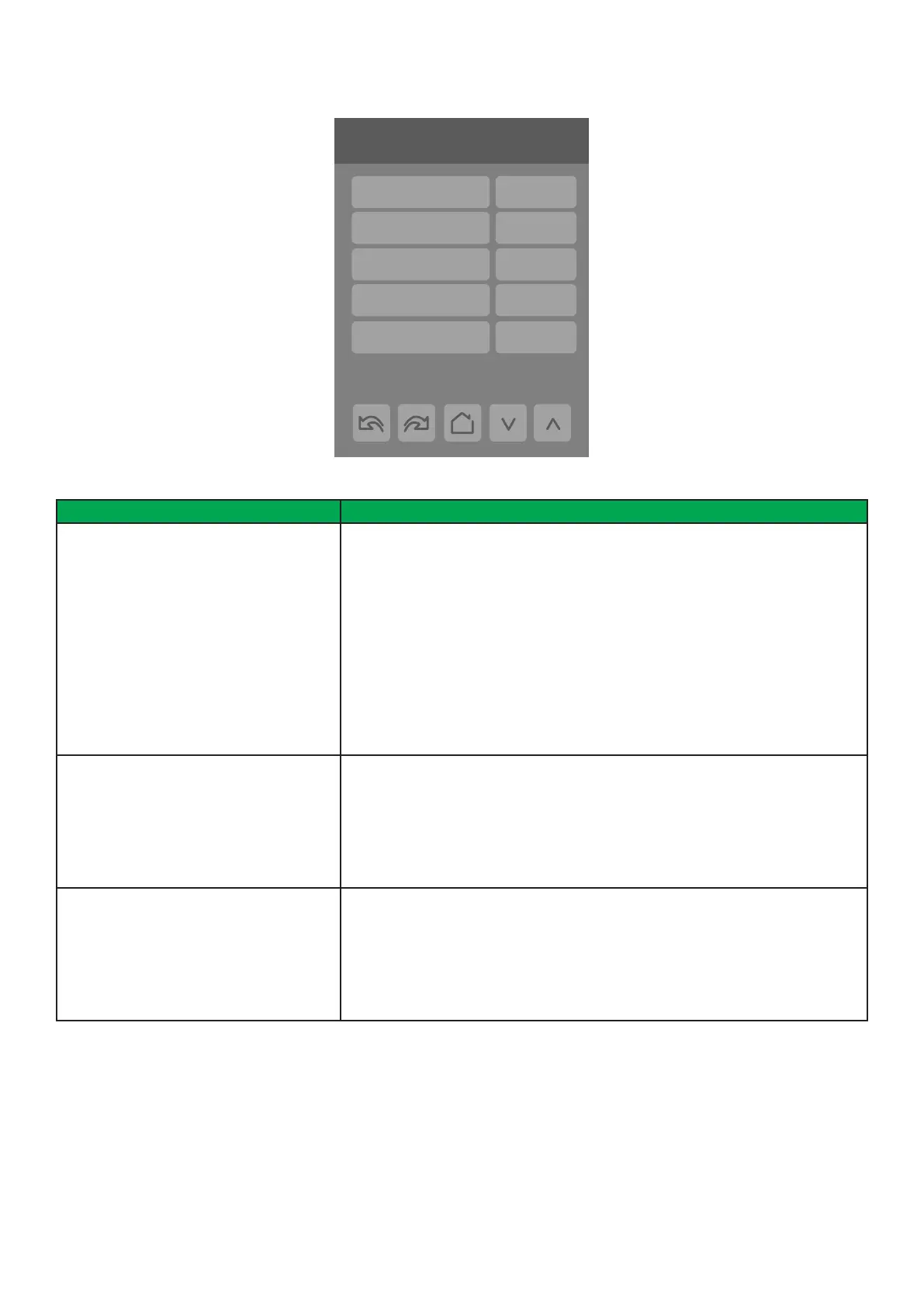
CONFIGURATION 2/9
PARAMETER DETAILS
Conguration Parameters Default Value Signicance and Adjustments
Mode button
Default value: Normal
Mode Button
Changes the behavior of the system mode button functionality and hides/shows
temperature setpoints on main screen.
Normal: System mode button switches between ‘Off’, ‘Auto’, ‘Cool’ and ‘Heat’.
Also displays temperature Setpoints on main screen.
Off-Auto: System mode button switches between ‘Off’ and ‘Auto’. Hides
temperature Setpoints on main screen.
NOTE: Setting ‘Mode button’ to ‘Off-Auto’ forces the ‘Setpoint func.’ parameter to
‘Attach SP’.
Choices: Normal or Off-Auto
Auto mode
Default value: Disabled
Auto Mode Enable
Enables auto function for the mode button. For sequences 2, 4, and 5 only.
Enabled: auto active (Off-Cool-Heat-Auto)
Disabled: auto not active (Off-Cool-Heat)
Choices: Enabled or Disabled
Standby mode
Default value: Absolute
Standby Mode Configuration
Standby setpoints used for control.
Absolute: Standby entered values are used for standby mode.
Offset: Occupied setpoints +/- Standby diff. used for standby mode.
Choices: Absolute or Offset
2/9 Configuration
Mode button Normal
Auto mode Enabled
Standby mode
Absolute
Standby diff. 2.0 °C
Fan cont. heat On


 To Next Page