028 -0427-15 _UI-V T8350_ A4 _ EN www.viconics.com June 2020
35
VT8350 [ User Interface Guide ]
CONFIGURATION 3/9
Conguration Parameters Default Value Signicance and Adjustments
Fan menu
Default value = On-Auto
Fan Sequence
Fan Sequence conguration applies to “3 speed” and “ECM” fan type
The selected fan sequence in this menu dictates the Fan button options
displayed on the Home screen of the room controller.
On-Auto: Single Speed configuration. Auto selection will activate fan on demand.
On selection will keep the fan On in occupied, standby and override mode, and
will activate fan based on demand in unoccupied mode.
L-M-H: 3-Speed configuration
L-H: 2-Speed configuration
L-M-H-A: 3-Speed configuration with Auto fan speed. Auto Mode operation is
dependent on Auto Fan parameter.
L-H-A: 2-Speed configuration with Auto fan speed mode. Auto Mode operation is
dependent on Auto Fan parameter.
Choices: On-Auto, L-M-H, L-H, L-M-H-A and L-H-A
Auto fan func.
Default value: AS
Automatic Mode Fan Function
Fan Sequence conguration applies to “3 speed” and “ECM” fan type
Auto Speed Fan Mode operation for Fan Menu (L-M-H-A) or (L-H-A).
AS: In Occupied, Standby and Override modes, the Fan stays ON at low speed
even if there is no demand for Heating or Cooling. In Unoccupied mode the Fan
turns Off when there is no demand for Heating or Cooling.
AS/AD: In any Occupancy mode, the Fan turns Off all speeds when there is no
demand for Heating or Cooling.
Choices: AS or AS/AD
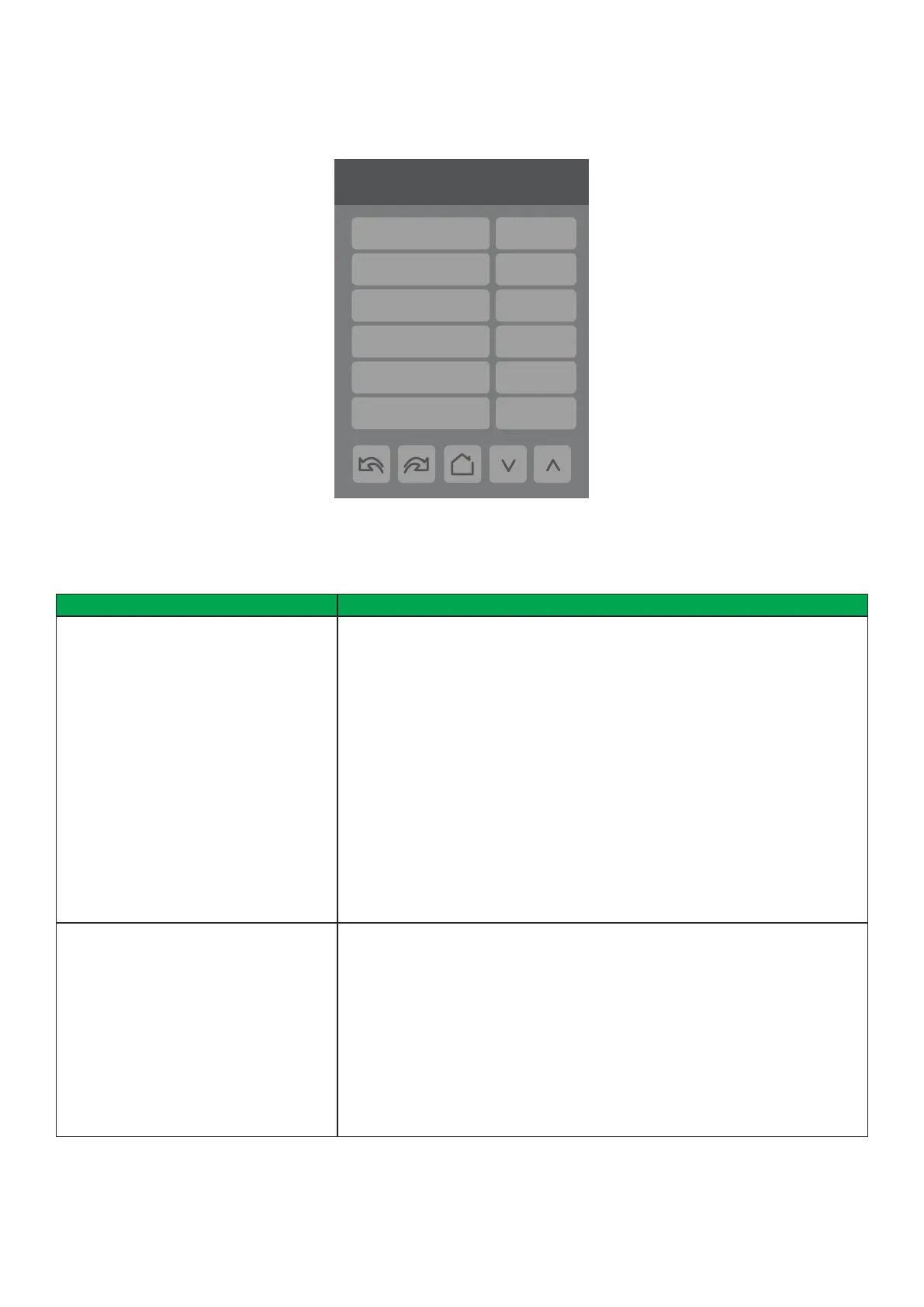
PARAMETER DETAILS
3/9 Configuration
Fan menu L-H-A
Auto fan func. AS
Fan type
2.2 VdcECM low volt.
6.0 Vdc
8.6 Vdc
ECM med volt.
ECM high volt.
ECM


 To Next Page