028 -0427-15 _UI-V T8350_ A4 _ EN www.viconics.com June 2020
37
VT8350 [ User Interface Guide ]
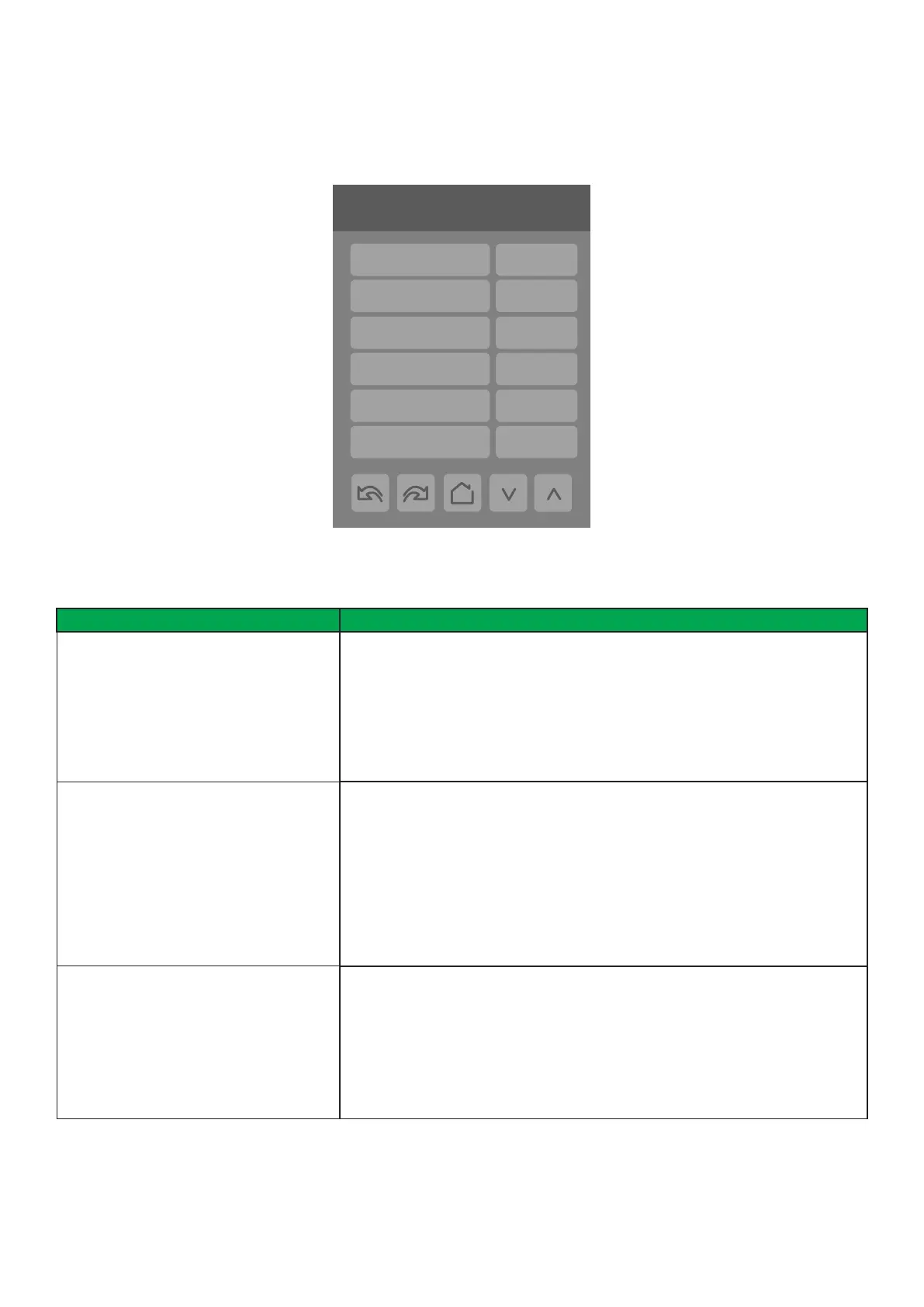
4/9 Configuration
Standby time 0.5 hrs
Unocc. time 0.0 hrs
Temp. occ. time 2.0 hrs
Deh. hysteresis 5 %RH
Deh. max. cool 100%
Deh. lockout Enabled
CONFIGURATION 4/9
PARAMETER DETAILS
Conguration Parameters Default Value Signicance and Adjustments
Standby time
Default: 0.5 hours
Standby Time
Time between the moment where the PIR cover detects last movement in the
area, and the time which the Room Controller stand-by setpoints become active.
Note: This parameter is not active when the “Door” function is used (wired or
wireless).
Range: 0.5 to 24.0 hours (0.5 hour increments)
Unocc. time
Default: 0.0 hours
Unoccupied Time
Time between the moment where the Room Controller toggles to stand-by mode,
and the time which the Room Controller unoccupied mode and setpoints become
active.
Note: Default value of 0.0 hours disables the unoccupied timer. This prevents the
Room Controller from being able to switch from stand-by mode to unoccupied
mode when PIR functions are used.
Range: 0.0 to 24.0 hours (0.5 hour increments)
Temp. occ. time
Default value: 2.0 hours
Temporary Occupancy Time
The time the Room Controller stays in override mode before reverting back to
unoccupied mode. When the Room Controller is in unoccupied mode, pressing
the on-screen Override icon or closing the contact on UI17, congured as
“Remote Override”, sets the Room Controller to Override mode for dened time
period, and uses the Occupied Cooling and Heating setpoints.
Range: 0.0 to 24.0 hours


 To Next Page