028 -0427-15 _UI-V T8350_ A4 _ EN www.viconics.com June 2020
65
VT8350 [ User Interface Guide ]
PARAMETER DETAILS
Conguration Parameters Default Value Signicance and Adjustments
Time format
Default value: AM-PM
Time Format
Current time display format. Choice between 12 hour (AM - PM) time format or
24 hour time format.
Note: Changing the value of this parameter automatically changes the format of
the displayed value of the time parameter.
Choices: AM-PM or 24 Hours
Time
Default value: current time at power up
Time
Standard time display, 12 hour AM-PM or 24 hour format determined by the
Time Format parameter value.
Year
Default value: 2019
Year
Current year
Range: 2000 - 2100
Month
Default value: Jan.
Month
Current month
Range: Jan. - Dec.
Day
Default value: 1
Date
Current date
Range: 1 - 31
Weekday
Default value: Monday
Read Only
Current Day
Automatically set based on data received from Year/Month parameters.
Range: Monday - Sunday
Time source
Default value: Local
Read Only
Time Source
Shows the source that most recently set the time on the Room Controller.
Display Readings: None, Local, BACnet, NTP or Cloud
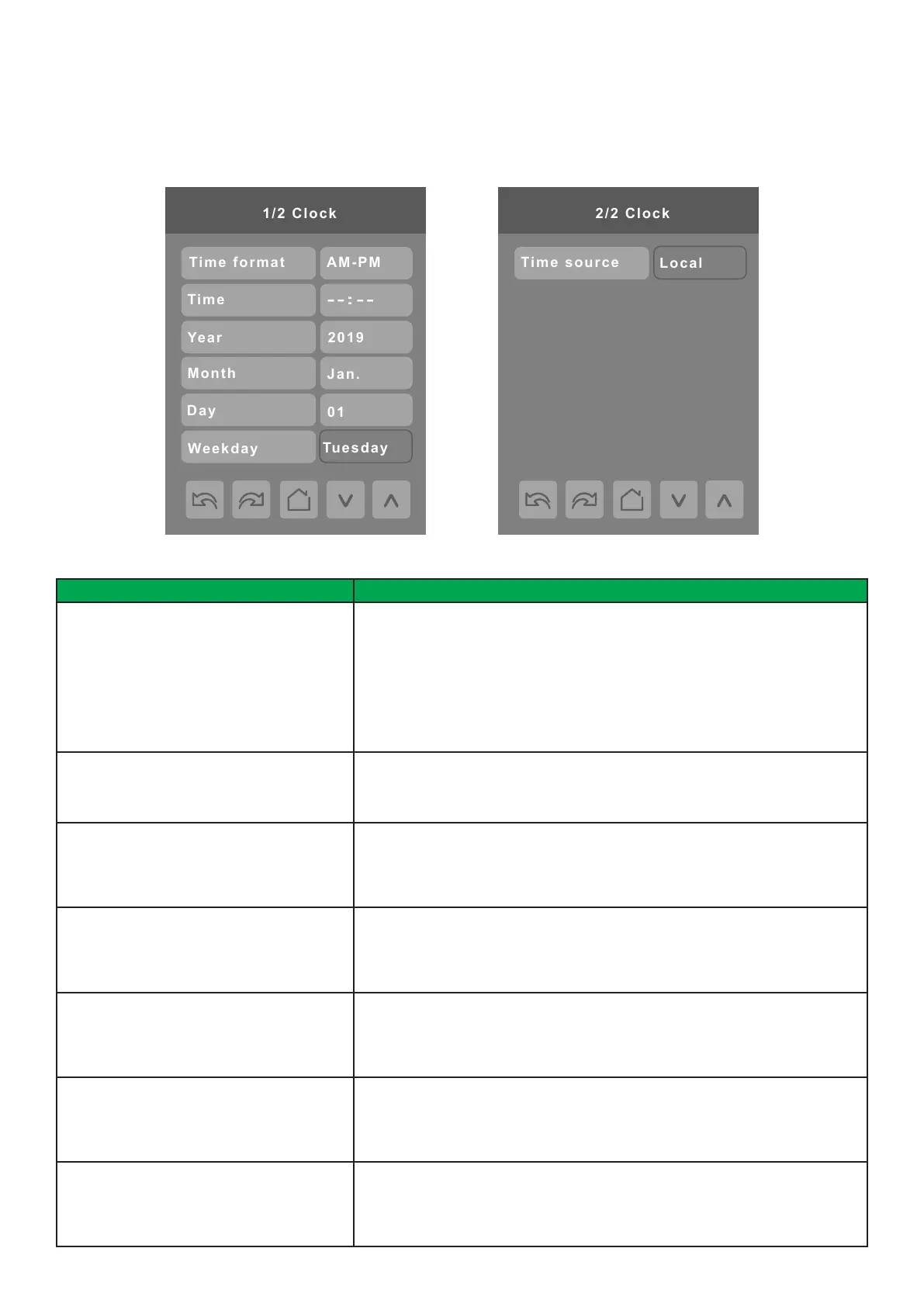
CLOCK
The Clock settings screen allows the device’s internal time settings to be changed (current time, day, month, year and weekday
options), as well as to choose between a 12 hour AM / PM display or 24 hour display.



 To Next Page