028 -0427-15 _UI-V T8350_ A4 _ EN www.viconics.com June 2020
66
VT8350 [ User Interface Guide ]
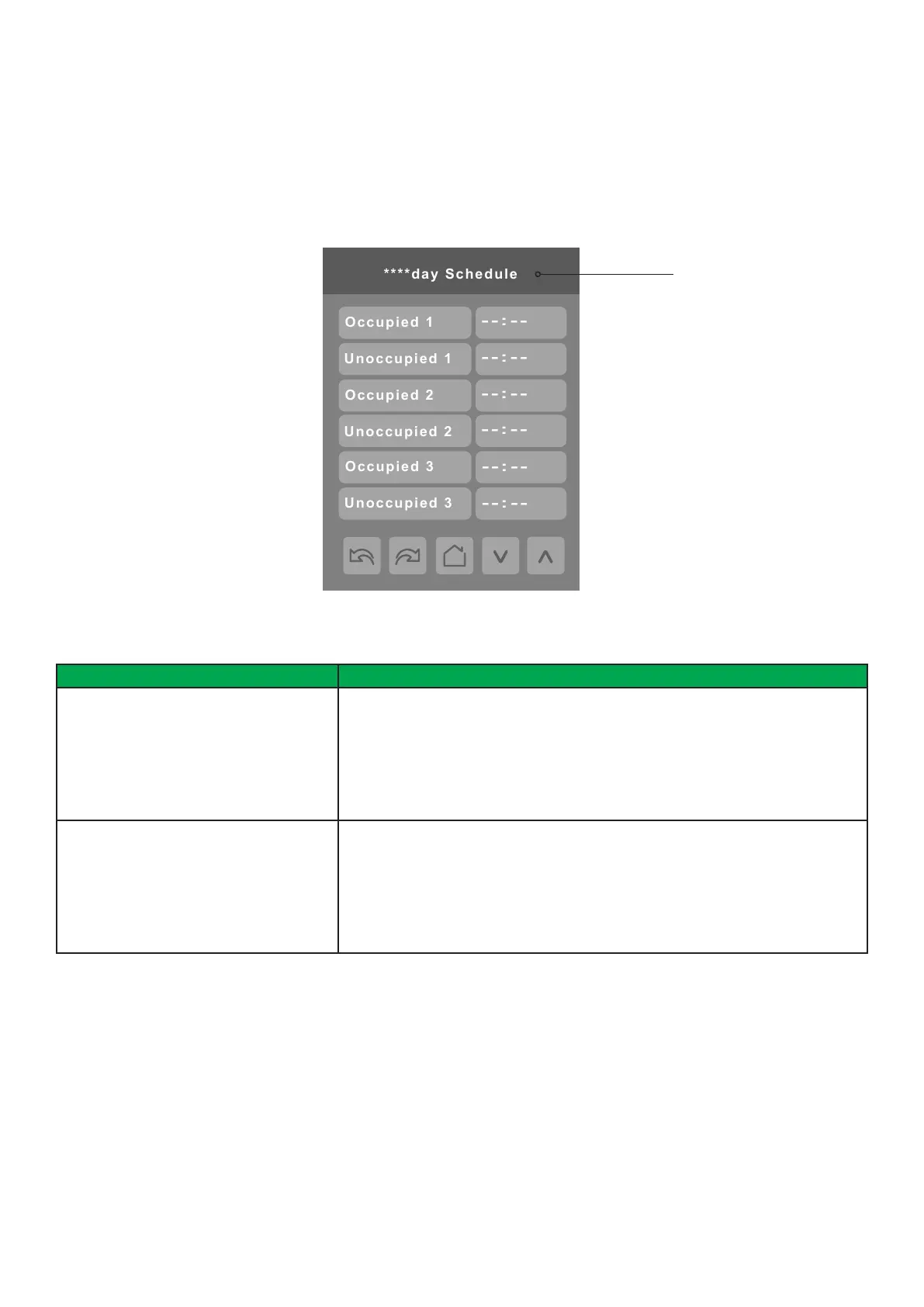
Identied by day of the
week (Sunday through
Saturday)
PARAMETER DETAILS
Conguration Parameters Default Value Signicance and Adjustments
Occupied 1 - 3
Default value: None
Occupied 1 - 3
Denes a time when the Room Controller is automatically set to use the Occupied
setpoint.
Note: There are 3 separate Occupied parameter entries
Range: 00:00 - 23:59
Unoccupied 1 - 3
Default value: None
Unoccupied 1 - 3
Denes a time when the Room Controller is automatically set to use the
Unoccupied setpoint.
Note: There are 3 separate Occupied parameter entries
Range: 00:00 - 23:59
SCHEDULE
There are seven different schedule setting screens, one for each day of the week. Each day can have different scheduled events
where the Room Controller is set to Occupied status or back to Unoccupied status. The Room Controller can use the appropriate
setpoints (back and forth) up to three times per day.


 To Next Page
 Loading...








