028 -0427-15 _UI-V T8350_ A4 _ EN www.viconics.com June 2020
75
VT8350 [ User Interface Guide ]
6/7 Configuration
Language English
Units °C
Low backlight 60 %
Night backlight 5 %
RH display Disable
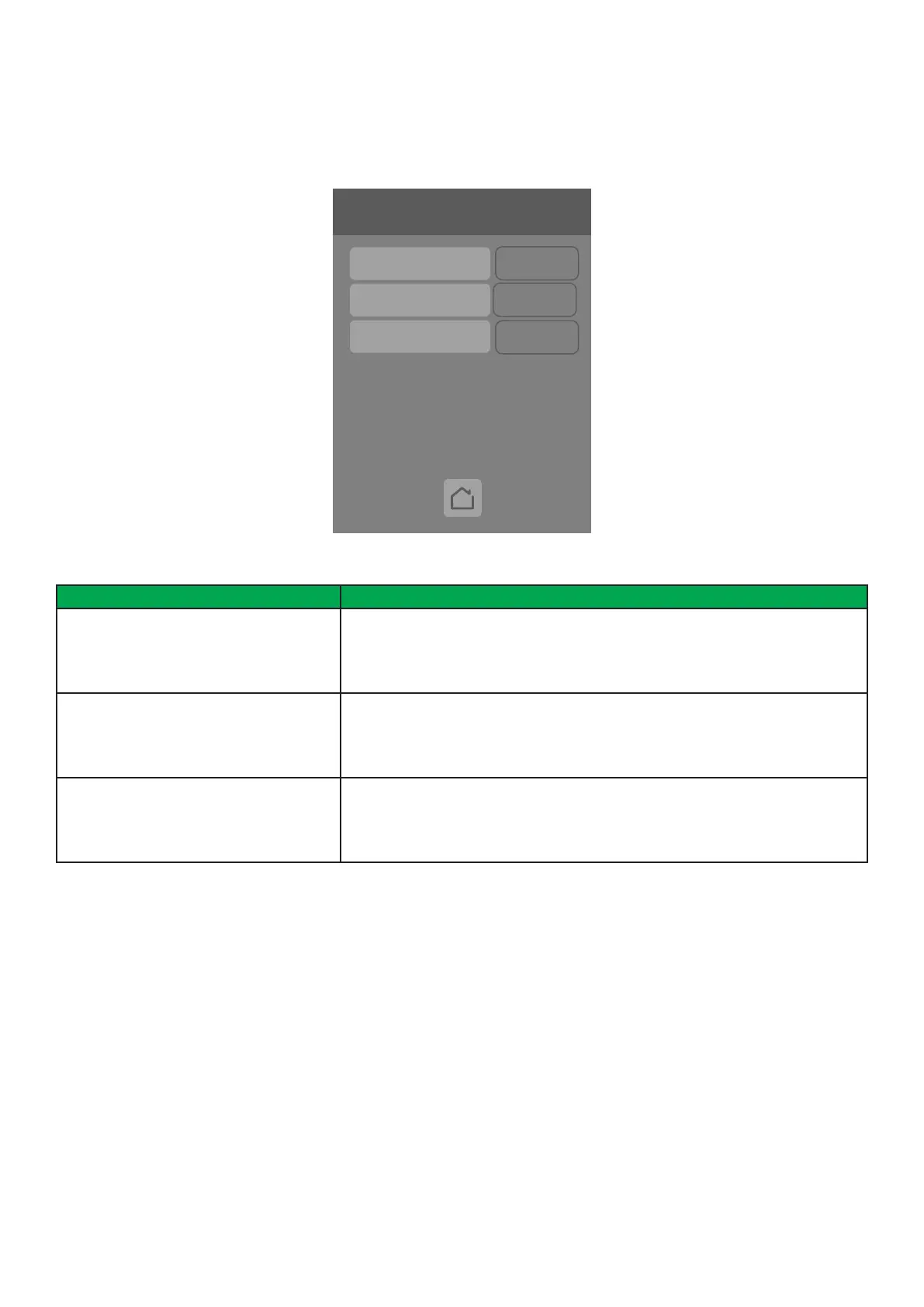
Device Groups
Door installed No
Water installed No
Win. installed No
PARAMETER DETAILS
Conguration Parameters Default Value Signicance and Adjustments
Door installed
Default value: No
Read Only
Door Contact Installed
Shows if Door sensor is installed.
Display Readings: Yes or No
Win. installed
Default value: No
Read Only
Window Contact Installed
Shows if Window sensor is installed.
Display Readings: Yes or No
Water installed
Default value: No
Read Only
Water Leak Sensor Installed
Shows if Water Leak sensor is installed.
Display Readings: Yes or No
DEVICE GROUPS
The Device Groups screen shows if a particular ZigBee wireless sensor is paired with the Room Controller.



 To Next Page