028 -0427-15 _UI-V T8350_ A4 _ EN www.viconics.com June 2020
77
VT8350 [ User Interface Guide ]
PARAMETER DETAILS
Conguration Parameters Default Value Signicance and Adjustments
Low battery
Default value: Off
Read Only
Low Battery Alarm
Shows if any wireless paired device has a low battery status (On) or no paired
device has low battery (Off).
Display Readings: On or Off
Water leak
Default value: Off
Read Only
Water Leak Sensor Status
Shows if any water sensor paired device has detected a water leak (On) or no
leak detected in any of the water sensor paired devices (Off).
Display Readings: On or Off
Low temp.
Default value: Off
Read Only
Low Temperature Alarm
Shows if any temperature sensor paired device has detected a low temperature
(On) or no low temperature detected in any of the temperature sensor paired
devices (Off).
Display Readings: On or Off
High temp.
Default value: Off
Read Only
High Temperature Alarm
Shows if any temperature sensor paired device has detected a high temperature
(On) or no high temperature detected in any of the temperature sensor paired
devices (Off).
Display Readings: On or Off
ALARMS
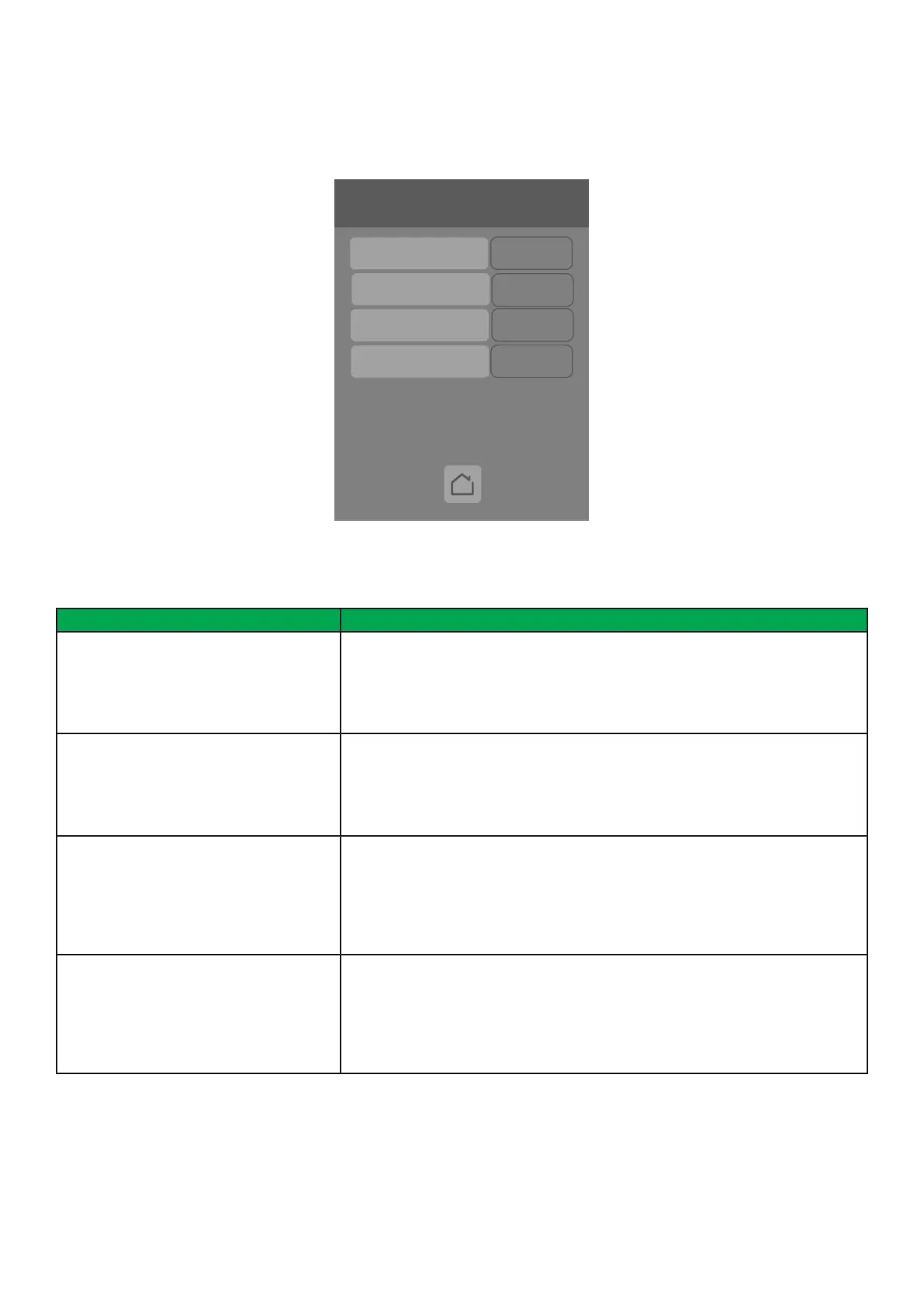
The Alarms screen shows data for paired Zigbee wireless devices.
6/7 Configuration
Language English
Units °C
Low backlight 60 %
Night backlight 5 %
RH display Disable
Alarms
Low battery
Low temp.
Water leak
Off
Off
Off
High temp.
Off



 To Next Page